Skip to content
Oussama
  • Live
  • Consumer app
  • Music
  • Personal project

How I turned a Spotify library into a shelf of records

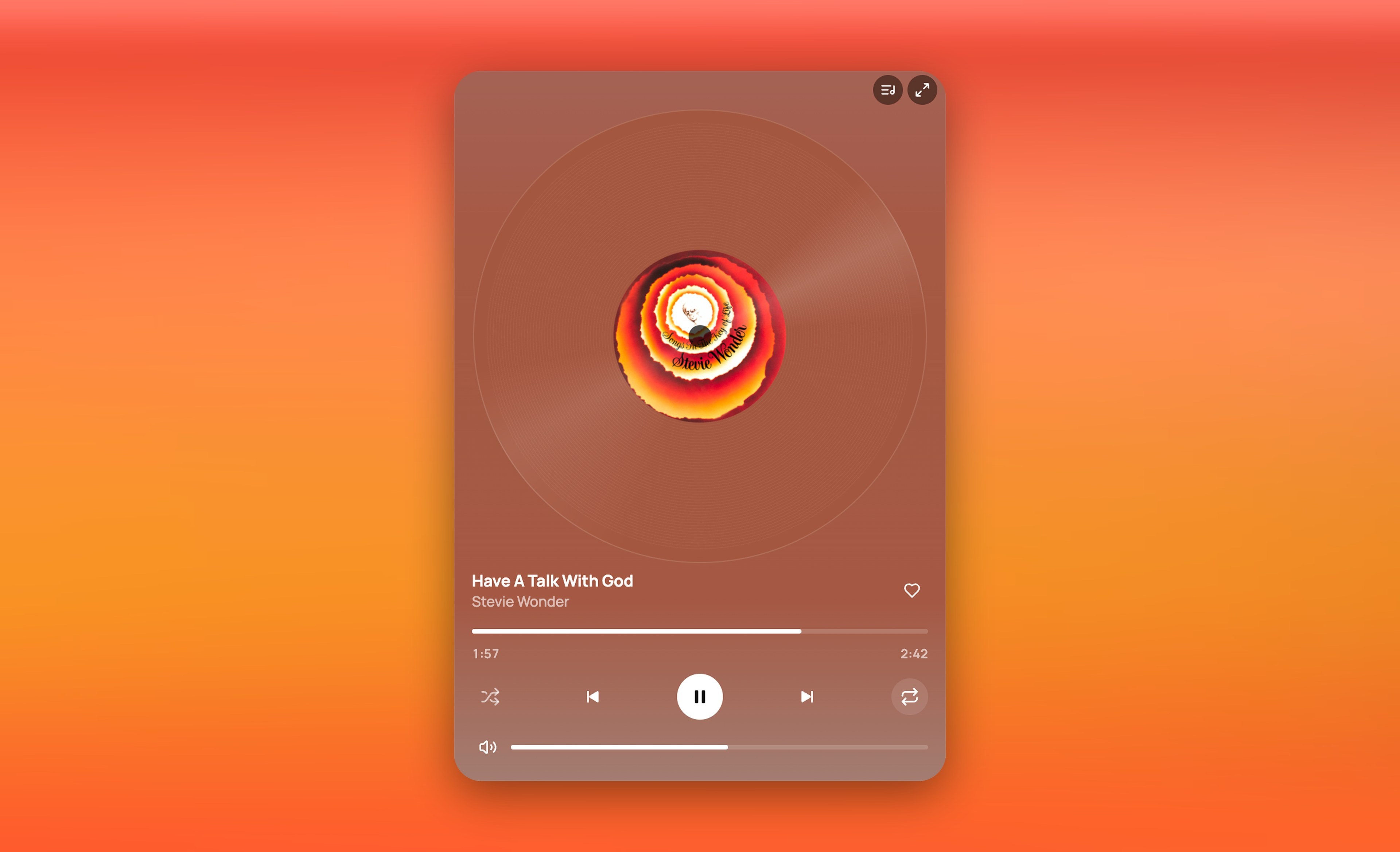
VinylPlayer is a record player on your screen, for people who love albums but listen on Spotify. I designed it, built it and shipped it.

Connect Spotify to play your albums, or look around a sample shelf first, with no sound.

Role
Product designer, solo builder
Timeline
2 months (Sep–Nov 2026)
Platforms
Web; Mac, Windows and Linux by invite
Scope
Research, UX, UI, code

The short version

  • The observation

    Many people go a year .

    The albums are right there on Spotify, but it keeps pulling you to something else.

  • The idea

    Albums you play one side at a time.

    Pick a record from your Spotify albums, play side A, then flip it. It can sit on a second screen while you work.

  • Where it stands

    It changed how I listen.

    I play whole albums now.

Why I built it

I listened to music the way I scroll reels.

For seven years, I played whatever Spotify said was trending and moved on. Then I'd fall for an older song and find out it was on an album I thought I knew. I knew the hits the algorithm picked, never the albums they came from.

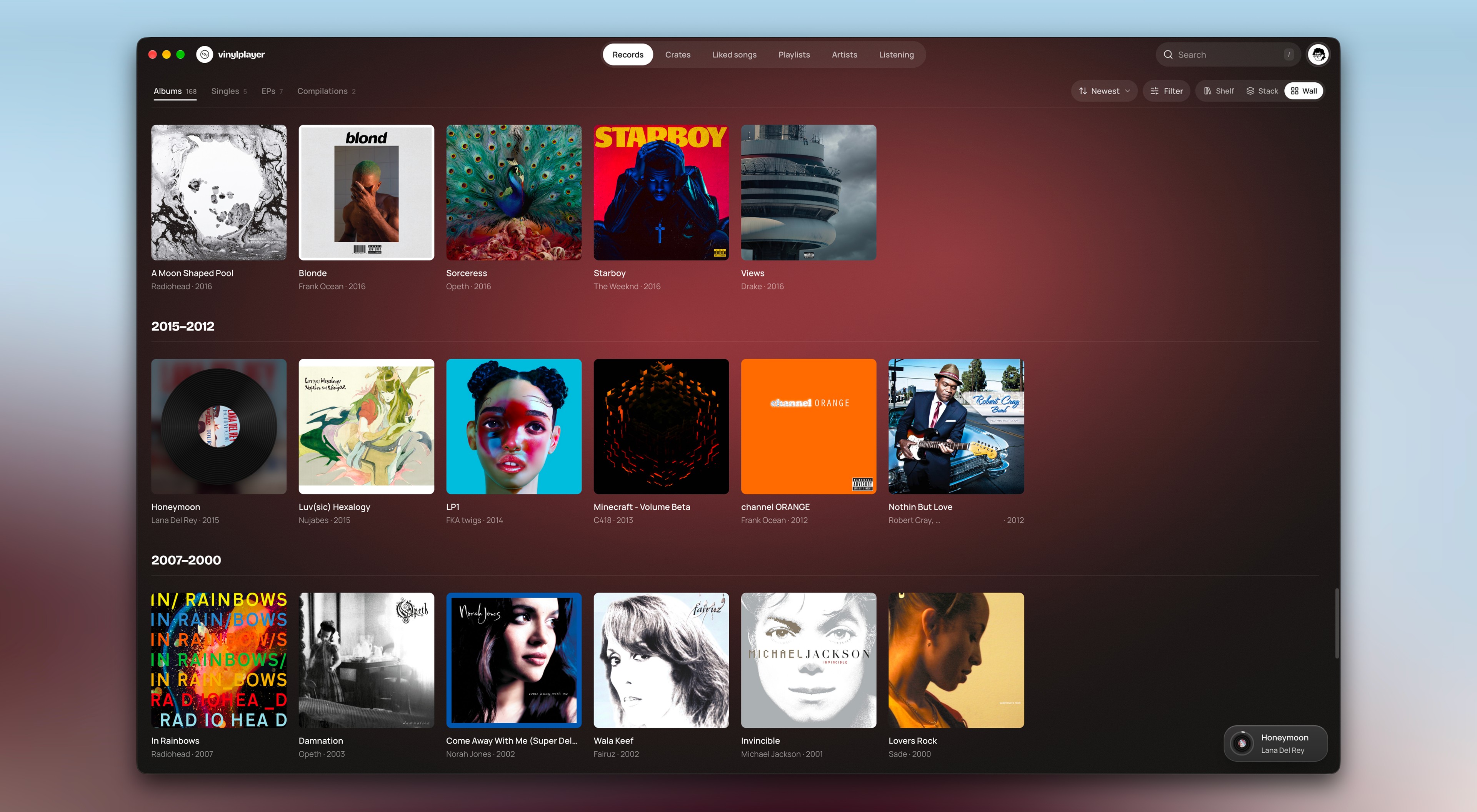
While I worked, my second screen was where the music lived, but all it ever showed was a Spotify window. I wanted that screen to be a place for listening, and I kept picturing a turntable there. So I built it: my Spotify albums on a shelf, and a record player on the screen beside me.

Research

People still buy albums. Fewer play them to the end.

It isn't only me. A friend I grew up with still sends me songs he's hearing for the first time, from albums we both know. We followed Travis Scott and Swae Lee for years, and still only played the hits.

You can play a whole album on Spotify, but Spotify keeps offering something else: Discover, radio, podcasts. If it's hard for you to stick to one thing, it's easy to drift away before the album ends.

So the record is what you choose, and you play it one side at a time.

How it works

VinylPlayer works like a real record.

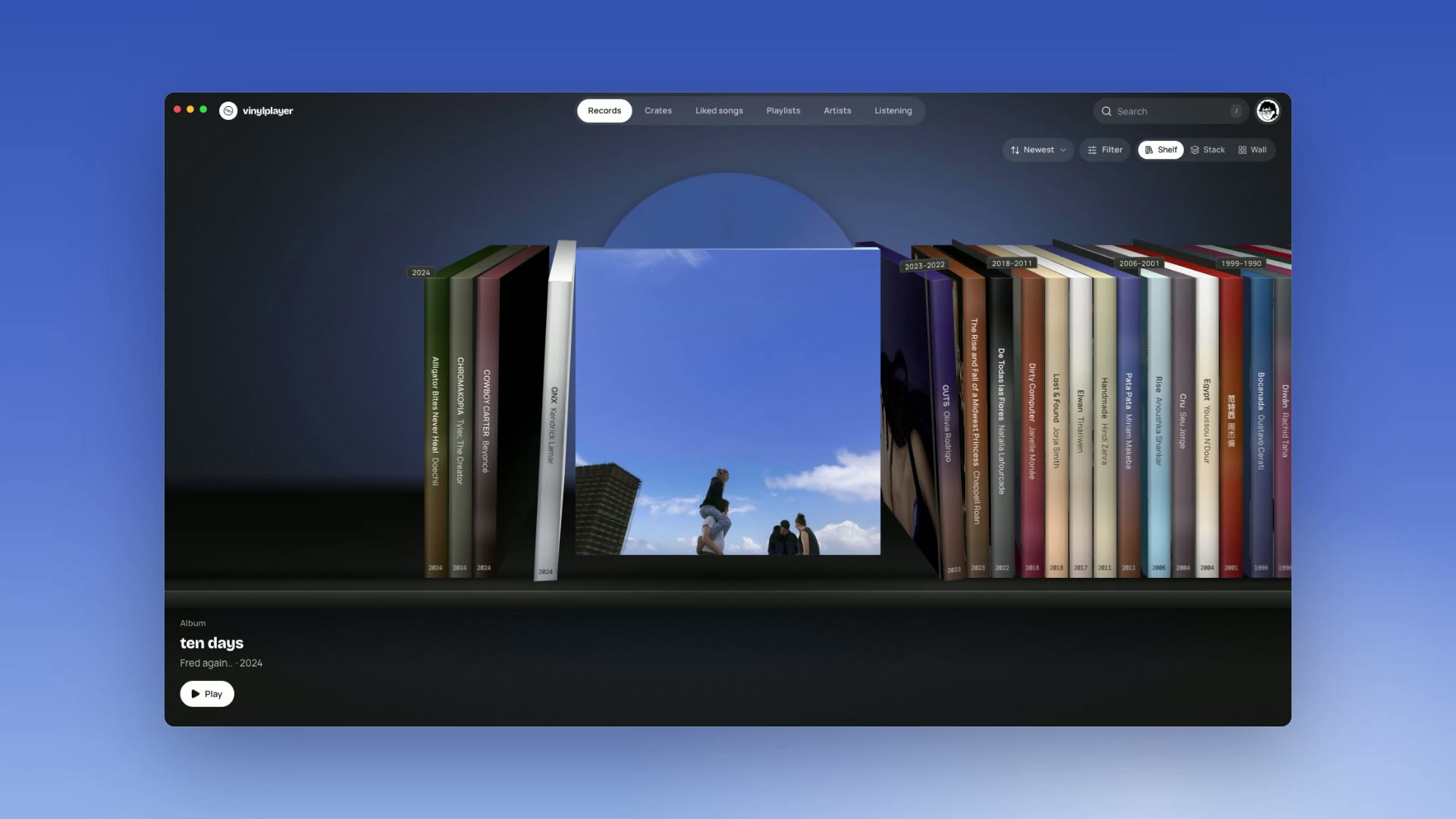
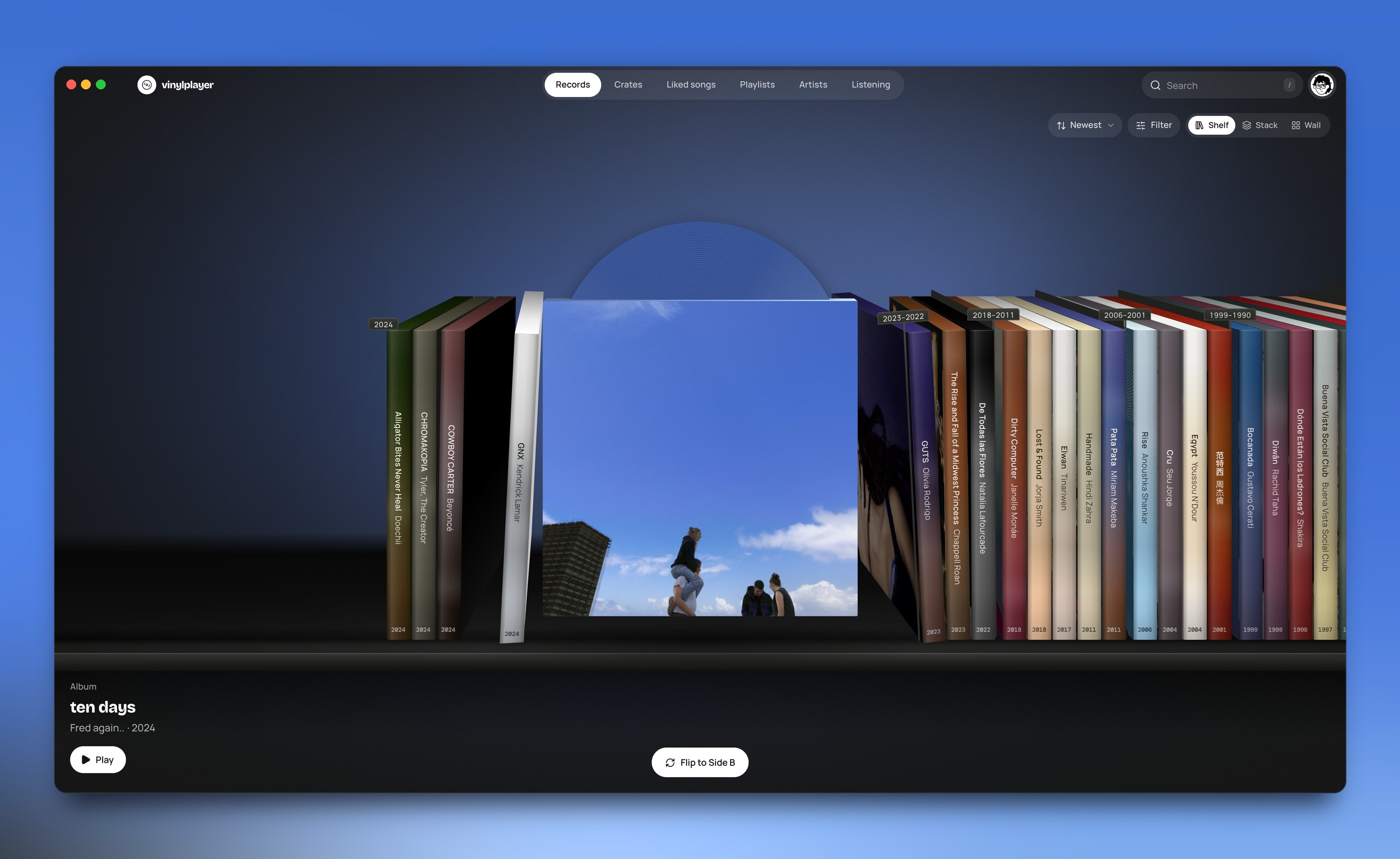
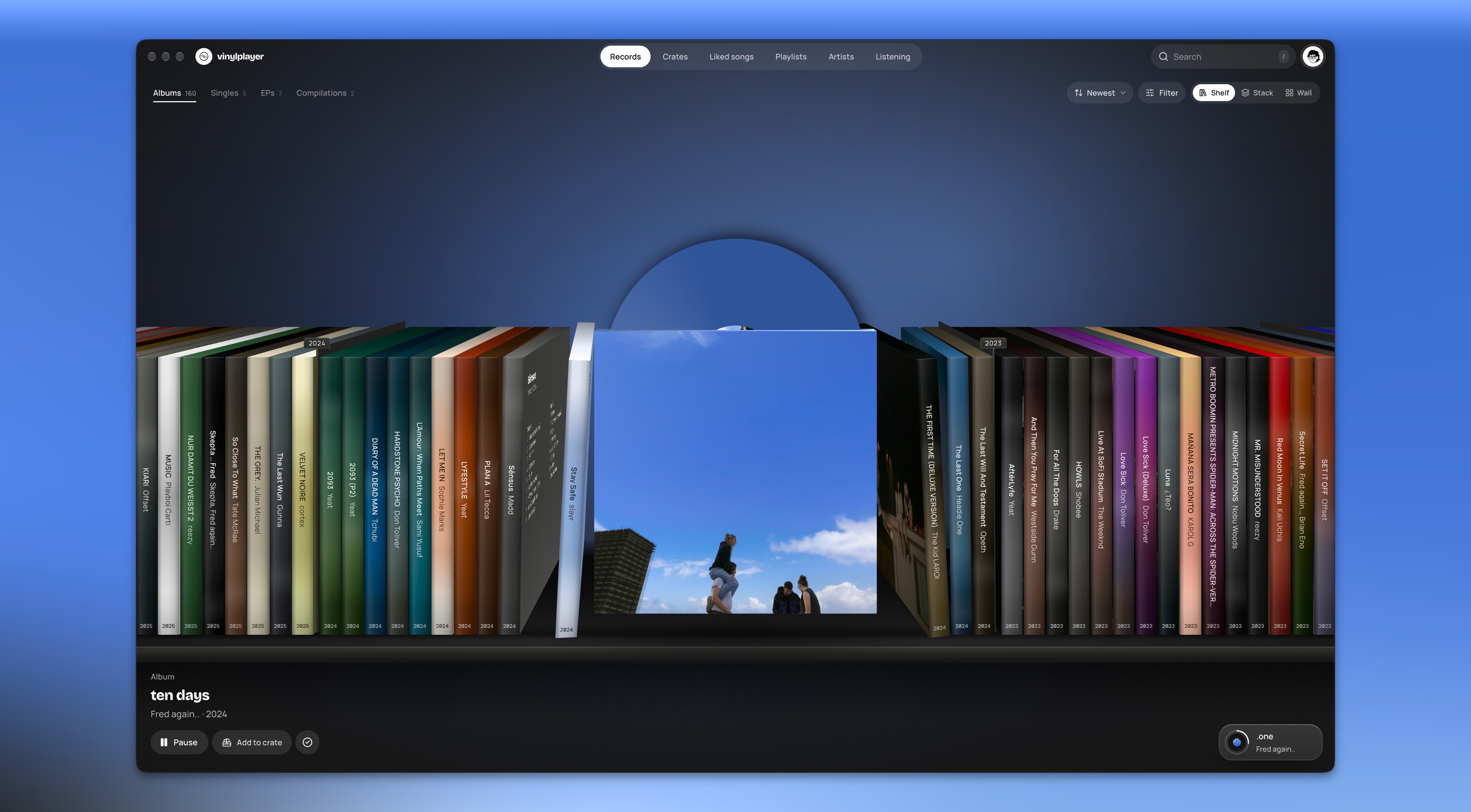
  1. The shelf moves past three records and stops on ten days by Fred again.., which turns to face front.

    1. Pick a record

    Connect Spotify, and your saved albums are already on the shelf. Even a liked song opens the record it came from.

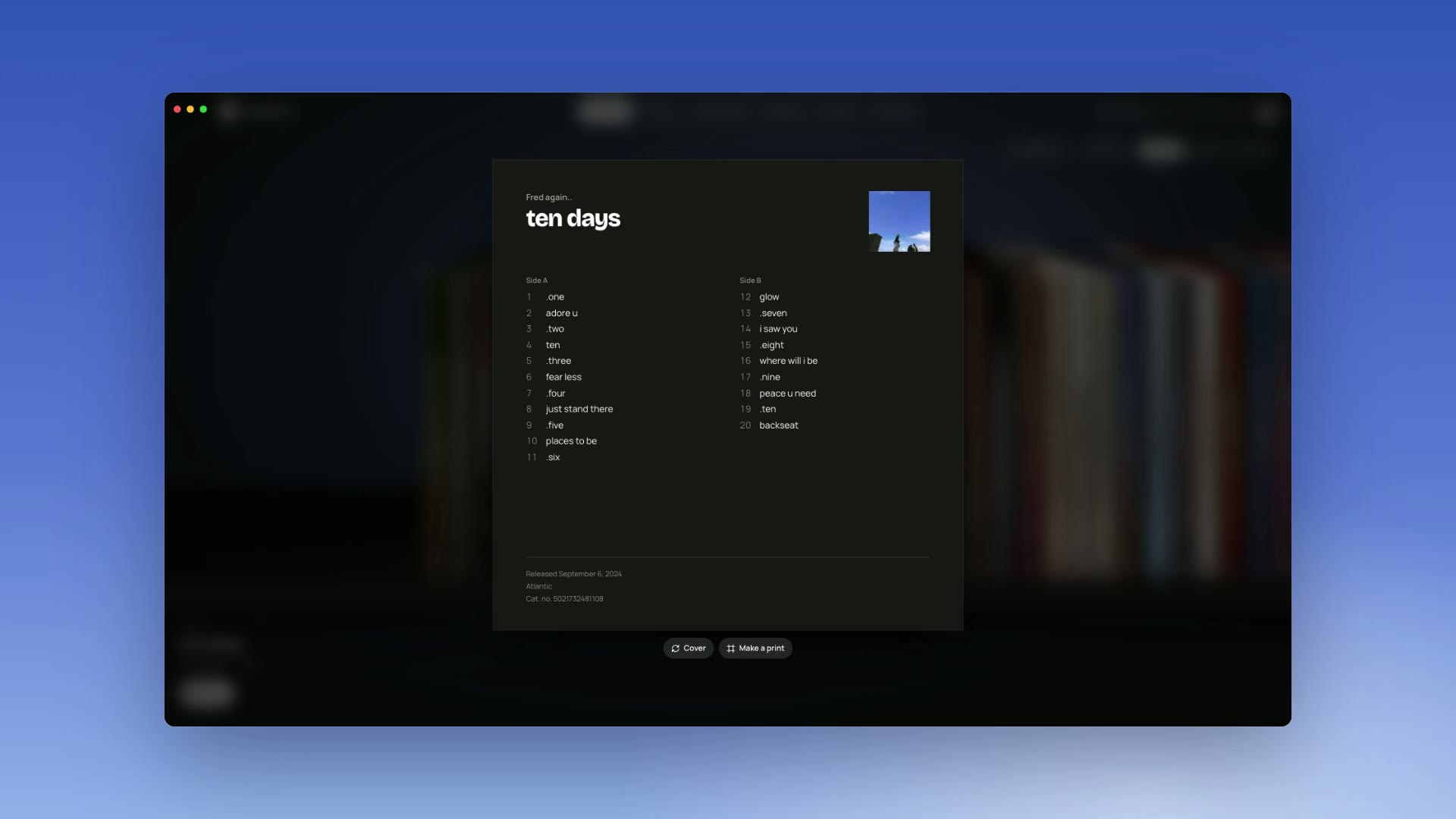
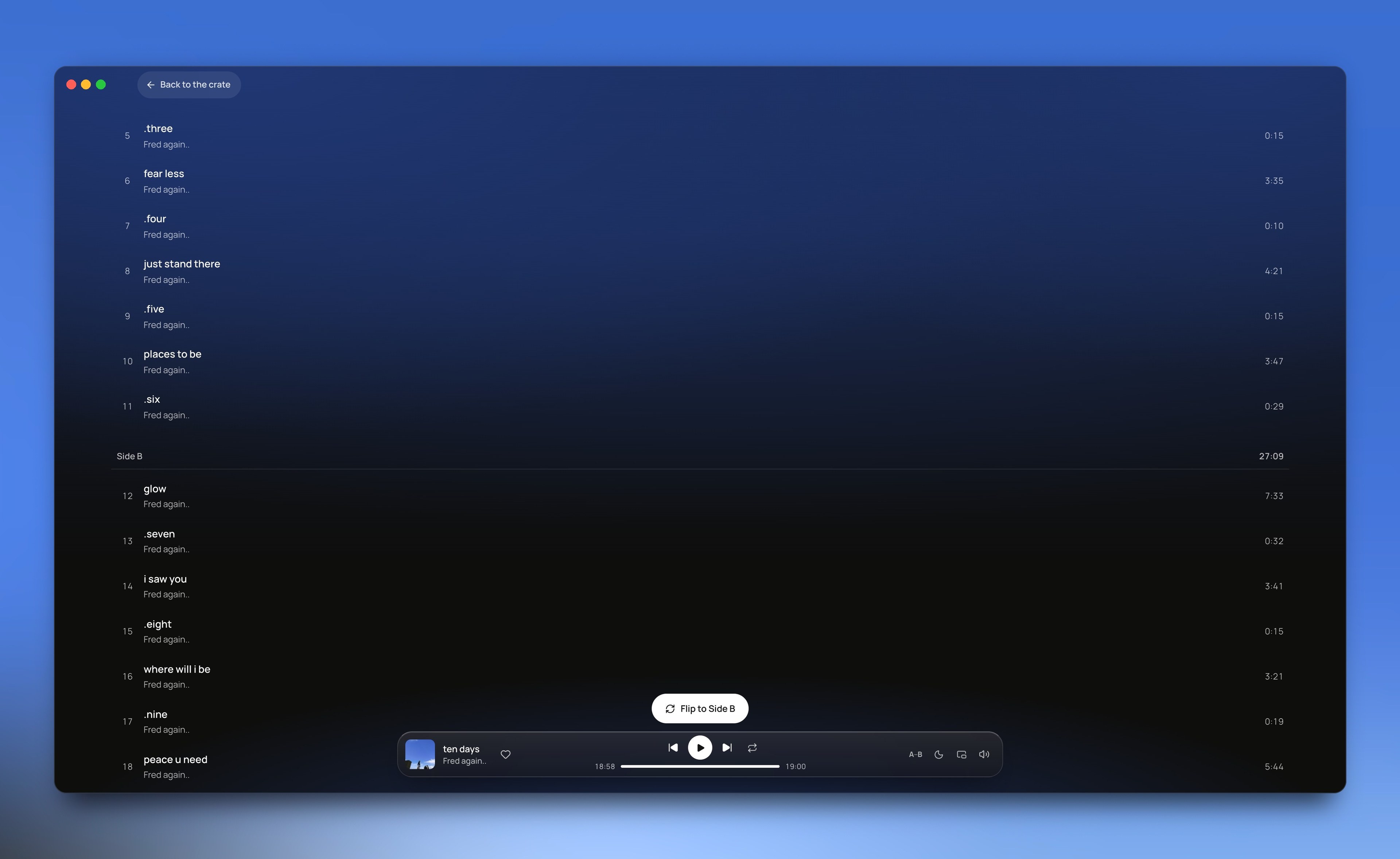
  2. The pointer presses Tracklist on the ten days sleeve, and it turns over to the back: songs 1 to 11 on side A, 12 to 20 on side B.

    2. Read the sleeve

    The sleeve is the record's cover. Turn it over to read the back, then see the songs under side A and side B.

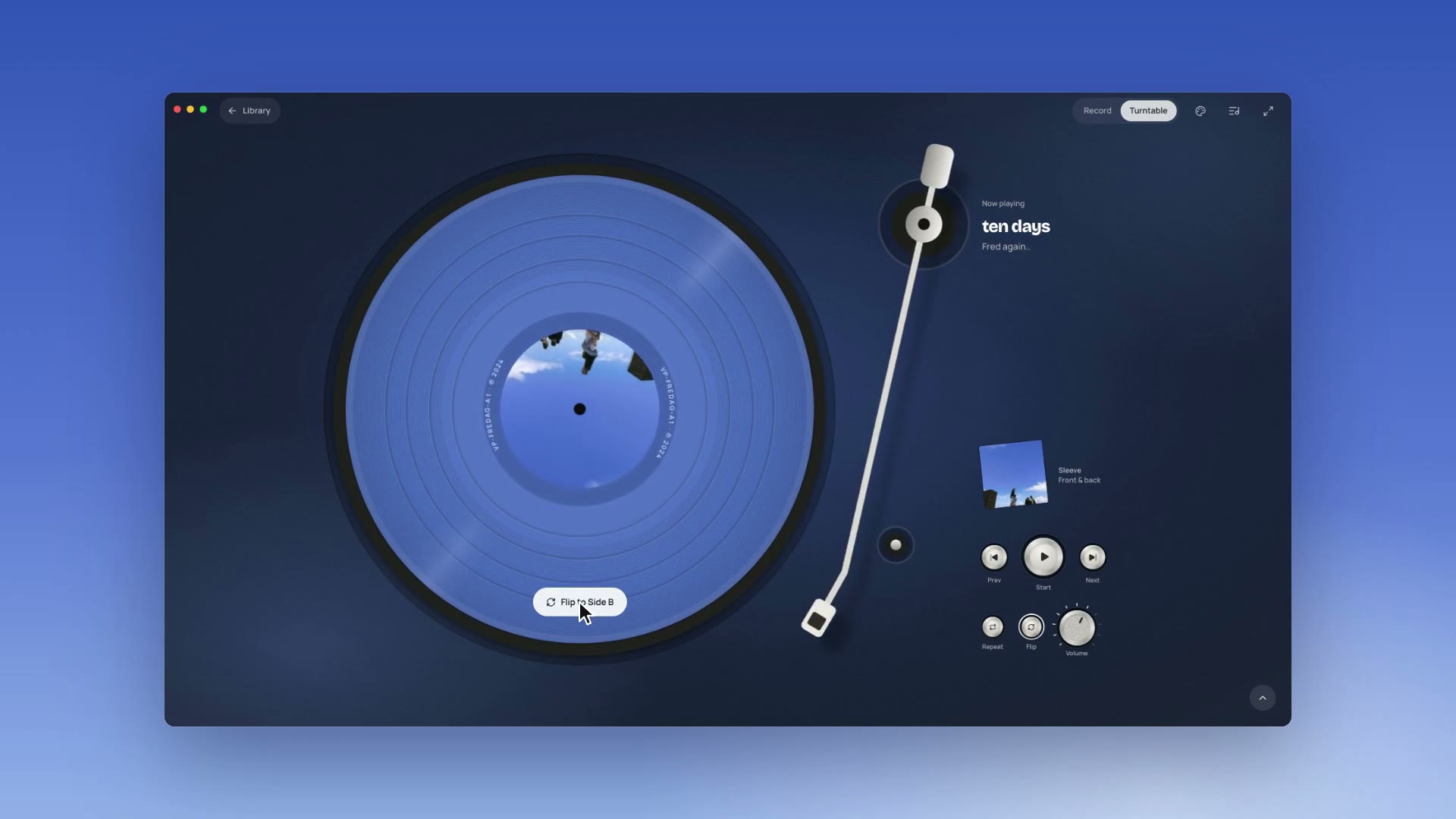
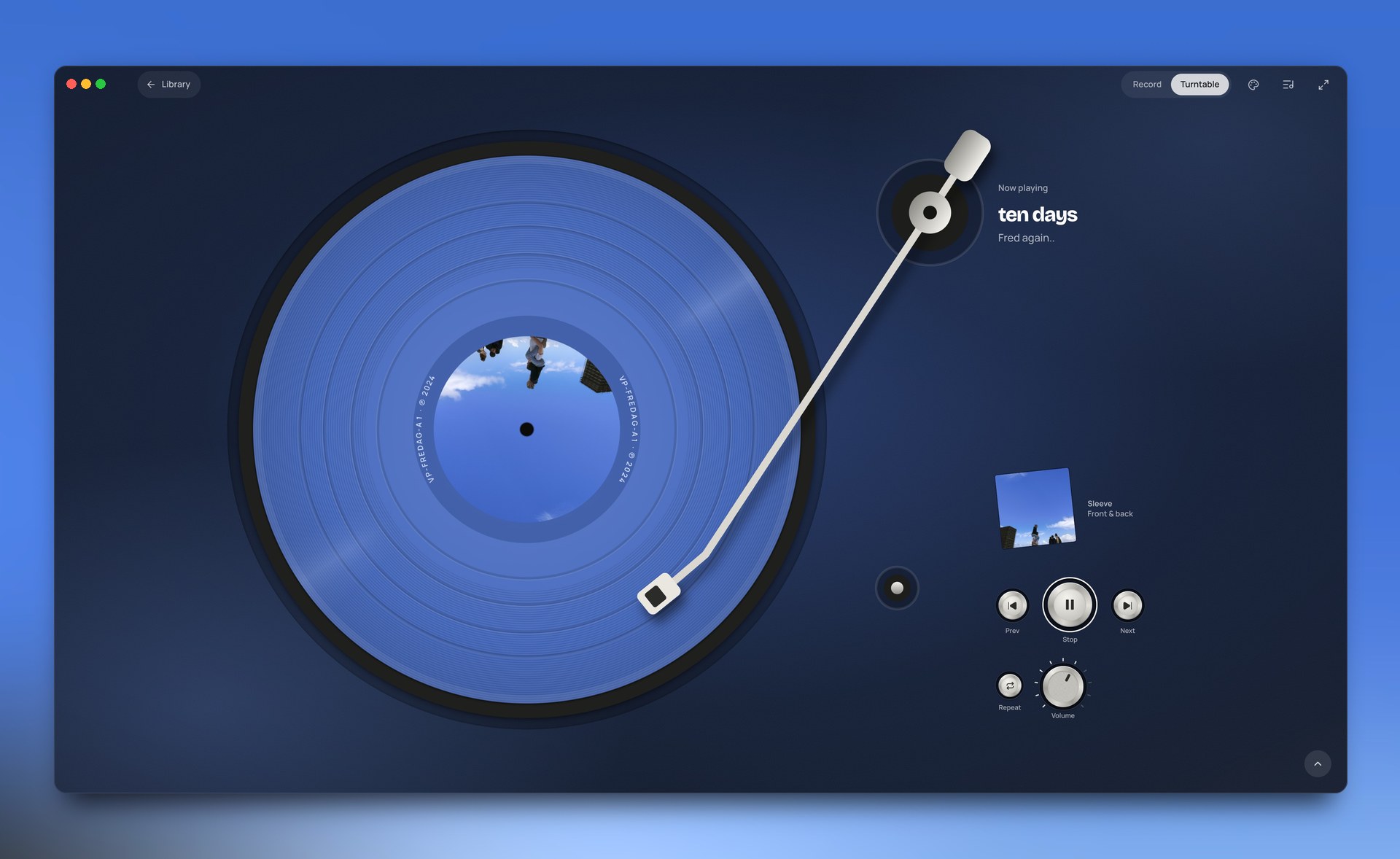
  3. On the turntable, side A of ten days ends and the arm goes back to its rest. A Flip to Side B button appears on the record; the pointer presses it, the record turns over to side B, and the arm returns to play it.

    3. Flip the record

    When side A ends, the music stops until you press Flip to Side B.

Key decisions

Four choices, and what I gave up for each.

  1. 01

    The music stops until you flip the record.

    What pulled against it

    Spotify has no sides. An album comes as one list of songs, with nothing saying where side A ended on the record.

    What I chose

    VinylPlayer works out where side A ends from the song lengths, then waits for you to flip the record.

    On a real record, a side ends, the music stops, and you flip it by hand (opens in a new tab). I wanted to keep that moment.

    Albums with two discs work the same way, and a disc of an hour or more becomes two records: when one record ends, you put on the next. If you'd rather not, turn off Flip sides by hand in Settings and the album plays straight through.

    What I gave up

    Music that never stops. Every side ends with a pause, and you have to press a button to carry on.

    Shuffle breaks the idea too: songs from both sides mix.

    How I checked it

    I checked where the app splits an album against the real vinyl of 80 well-known albums. Some albums come on more than one disc, which makes 98 records.

    When the app's rule missed, it was off by one song every time, so that side ends one song early or late.

    Track lengths and side information come from MusicBrainz, an open music database, and can differ slightly from Spotify's. I picked the albums myself and tested each record on its own.

    Records that started side B at the same point as the real vinyl:

    84%

    82 of 98 records, with my current rule: pick the gap between songs that leaves the two sides closest in length.

    56%

    55 of 98 records, with my first rule: start side B at the first song after the halfway point.

  2. 02

    The player shows the record, and little else.

    What pulled against it

    Music players keep every control in reach: the song list, the settings, the bar at the bottom.

    What I chose

    People put an album on and leave it alone while they work or make art. So I took away what they don't need while it plays.

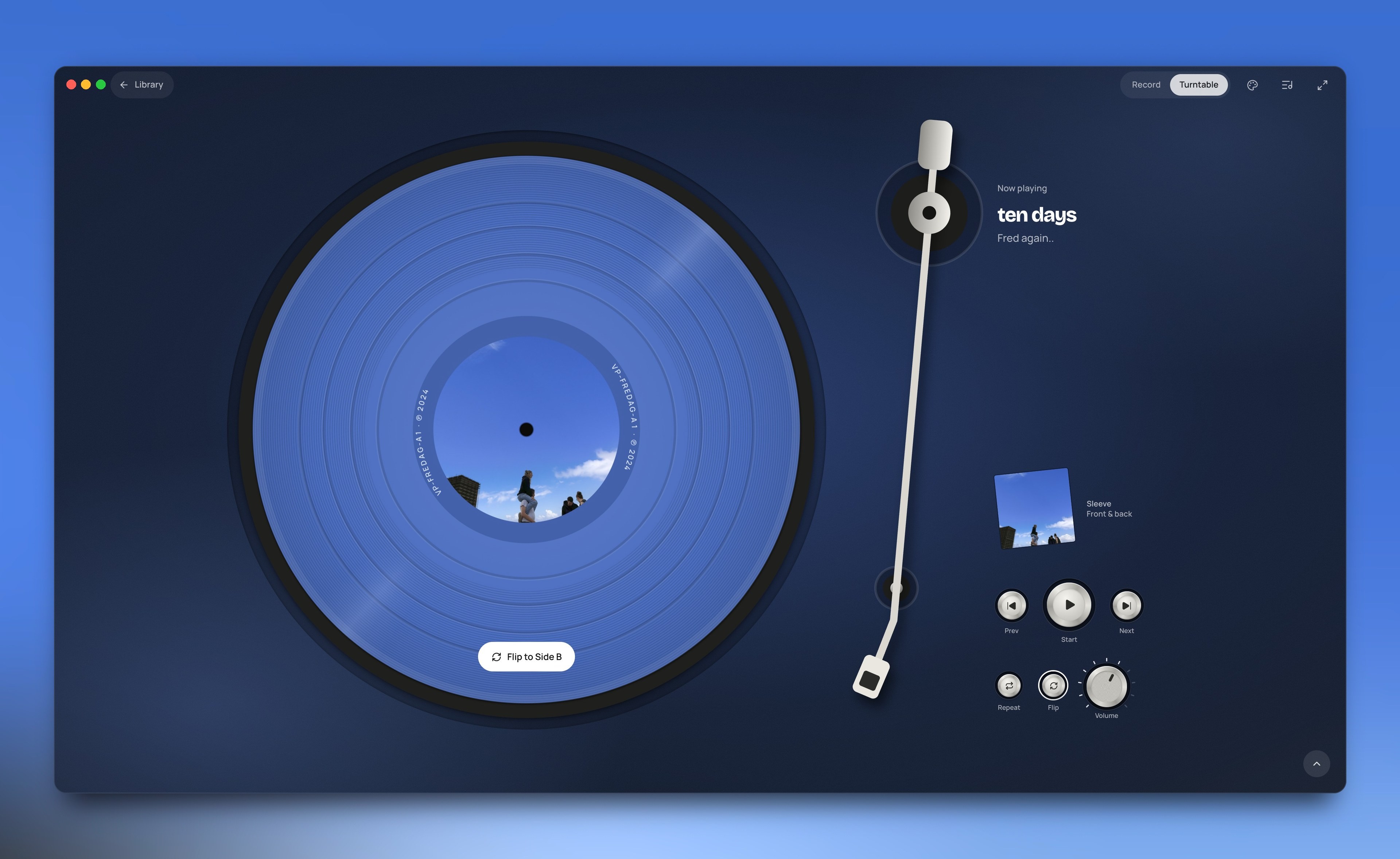
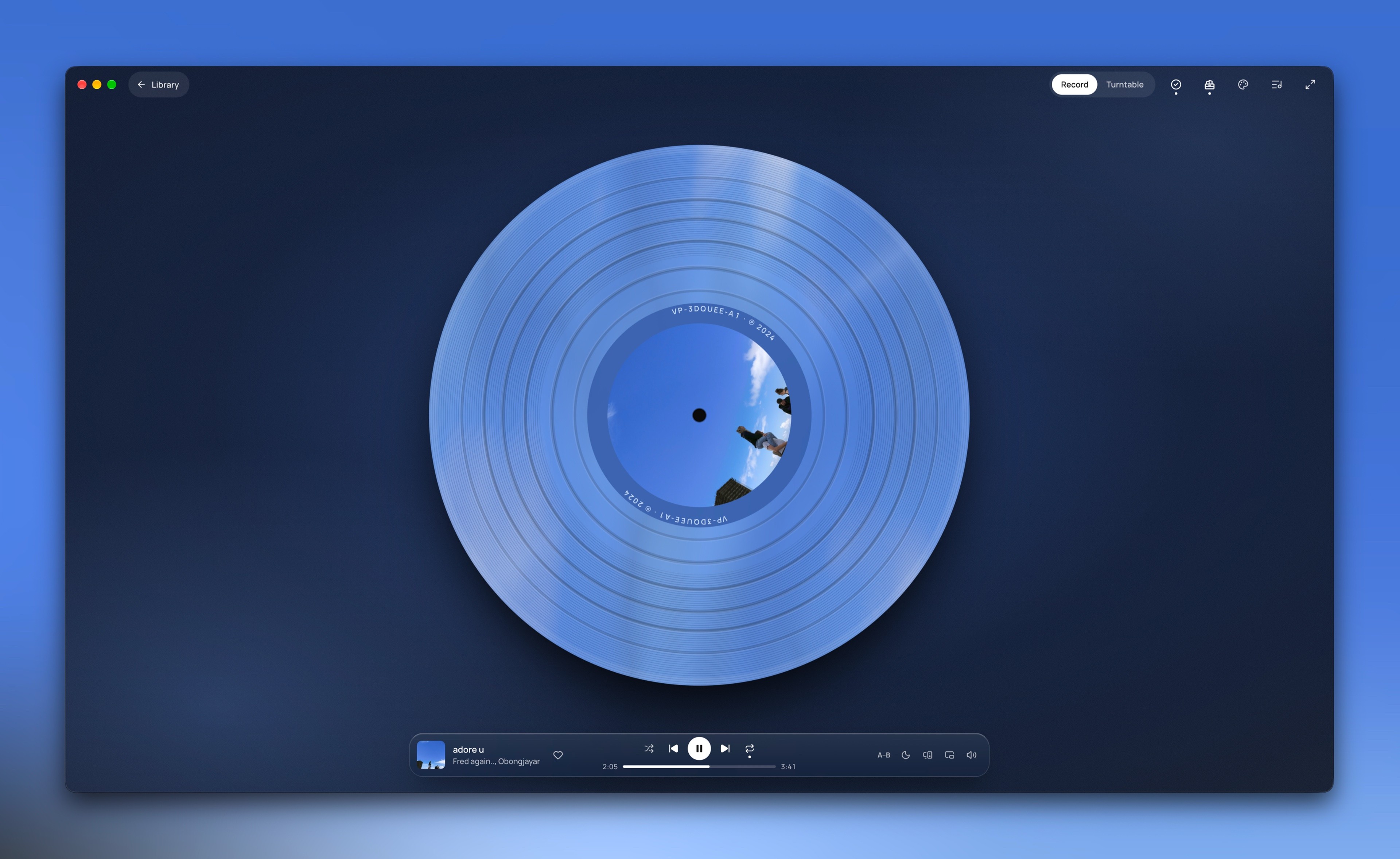
    Settings moved to their own page. On the turntable, the control bar stays hidden until you reach for it. In full mode, when the player fills the screen, you can go forward and back, but the song list stays out. To jump inside a record, you hold the needle and drop it where you want.

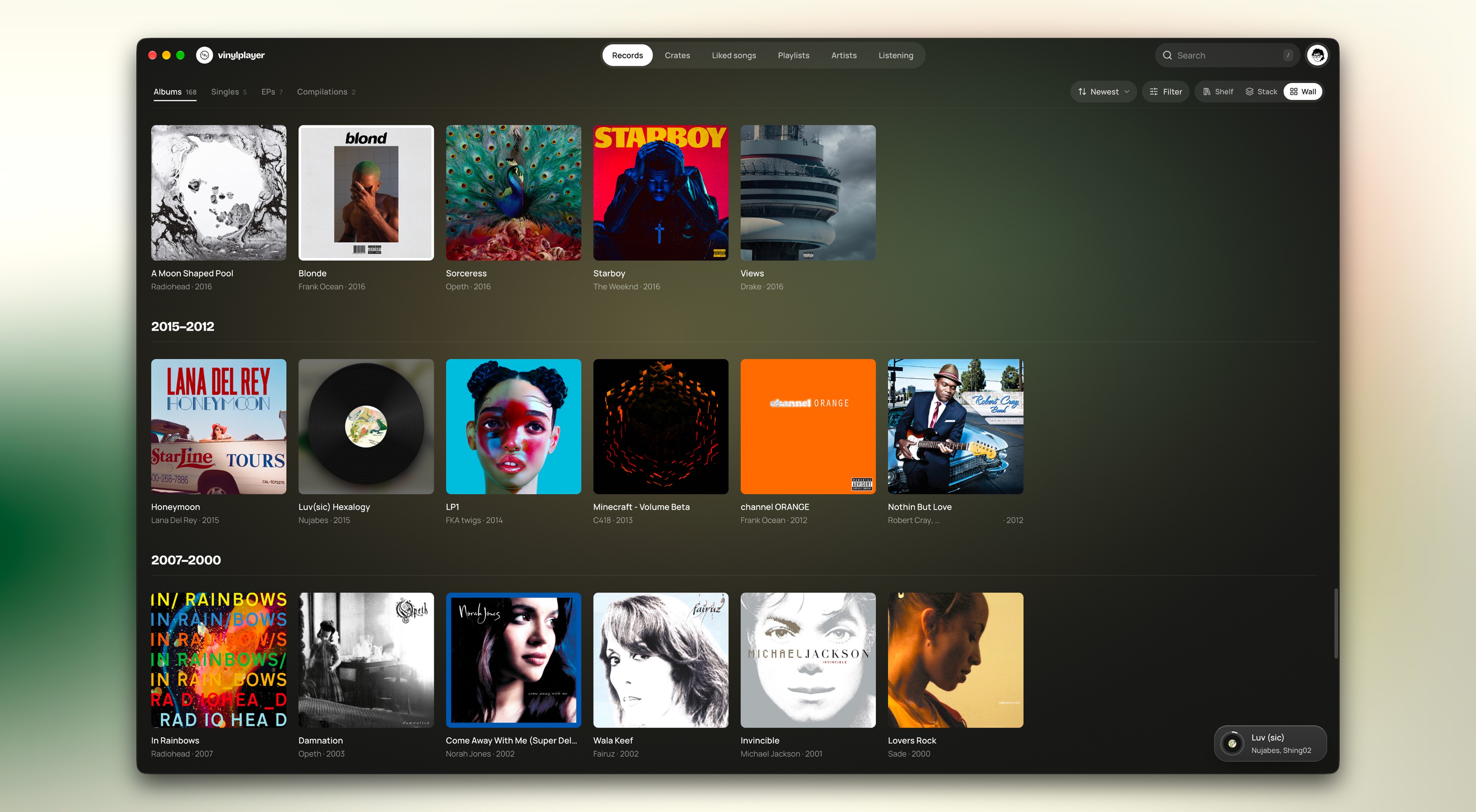
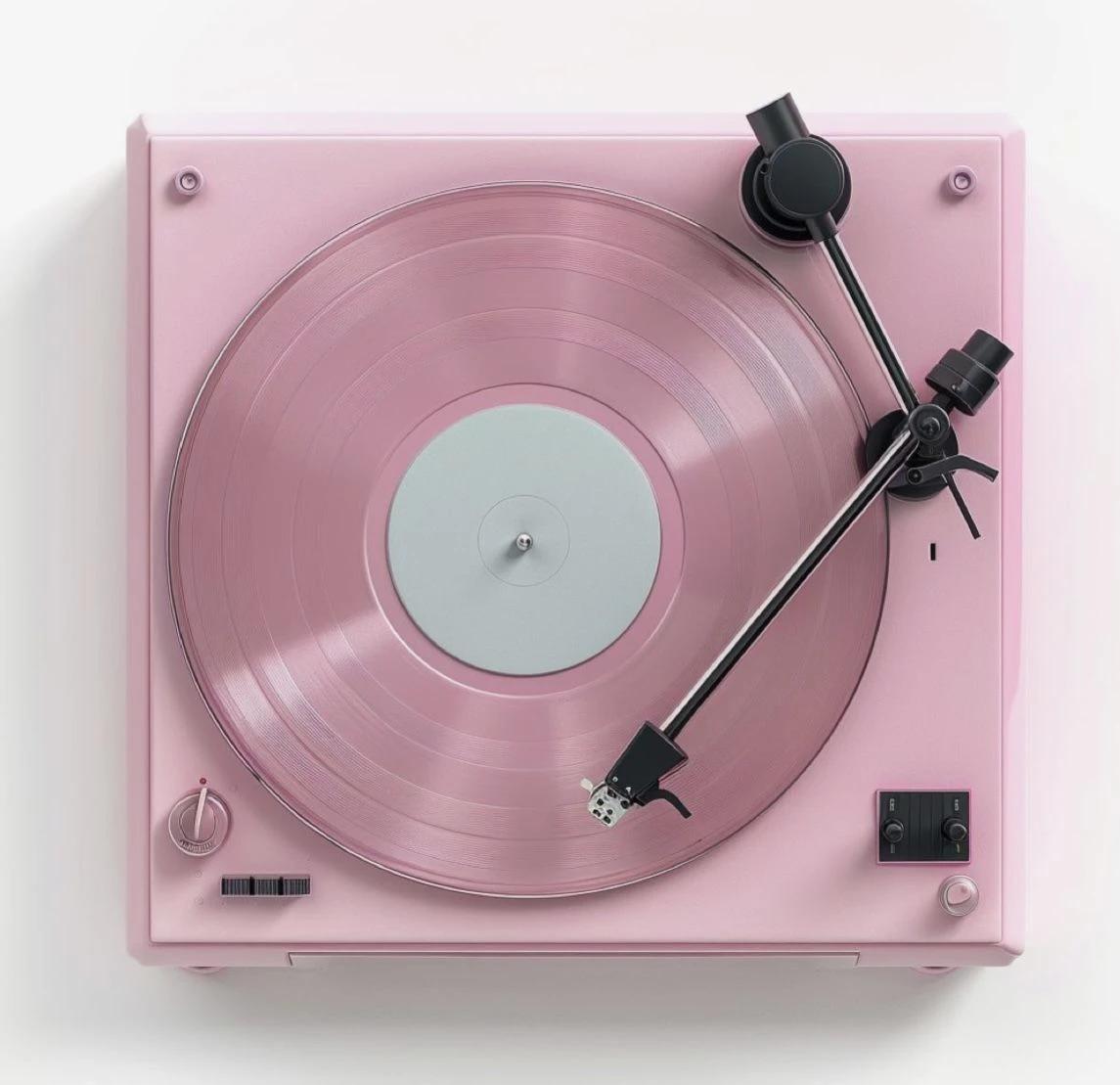
    The choice of colour stayed on the player, because real records come in colours. Artists choose how their vinyl looks, and people keep a special red or orange copy of an album they love. Spotify can't tell me what an album's vinyl looks like, so the record starts in the cover's colour and you can change it.

    You don't have to drag: the arrow keys move through the song, and ? lists every key.

    What I gave up

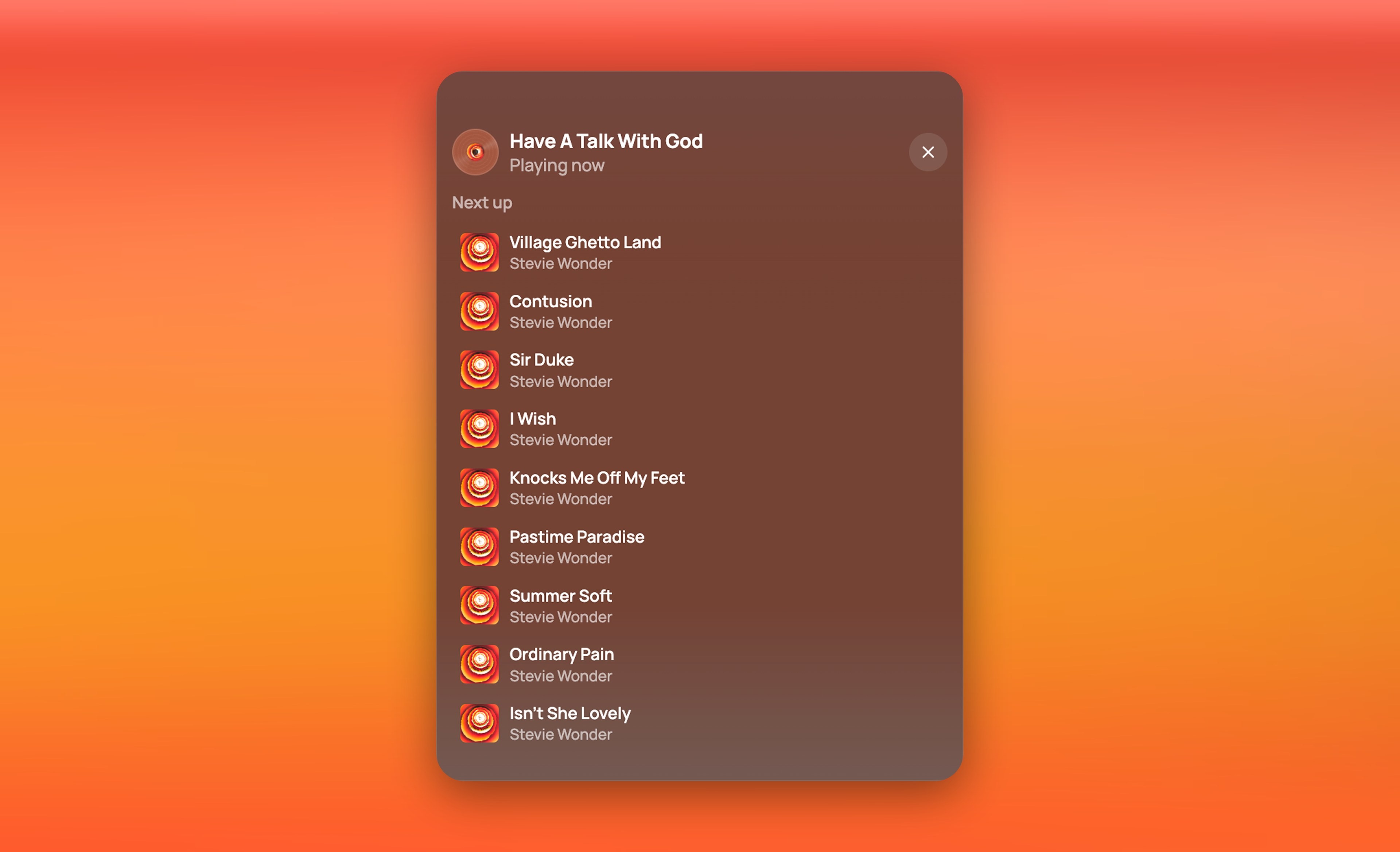
    A song list always in view. In full mode there's no button for it. You have to leave, or know the T key.

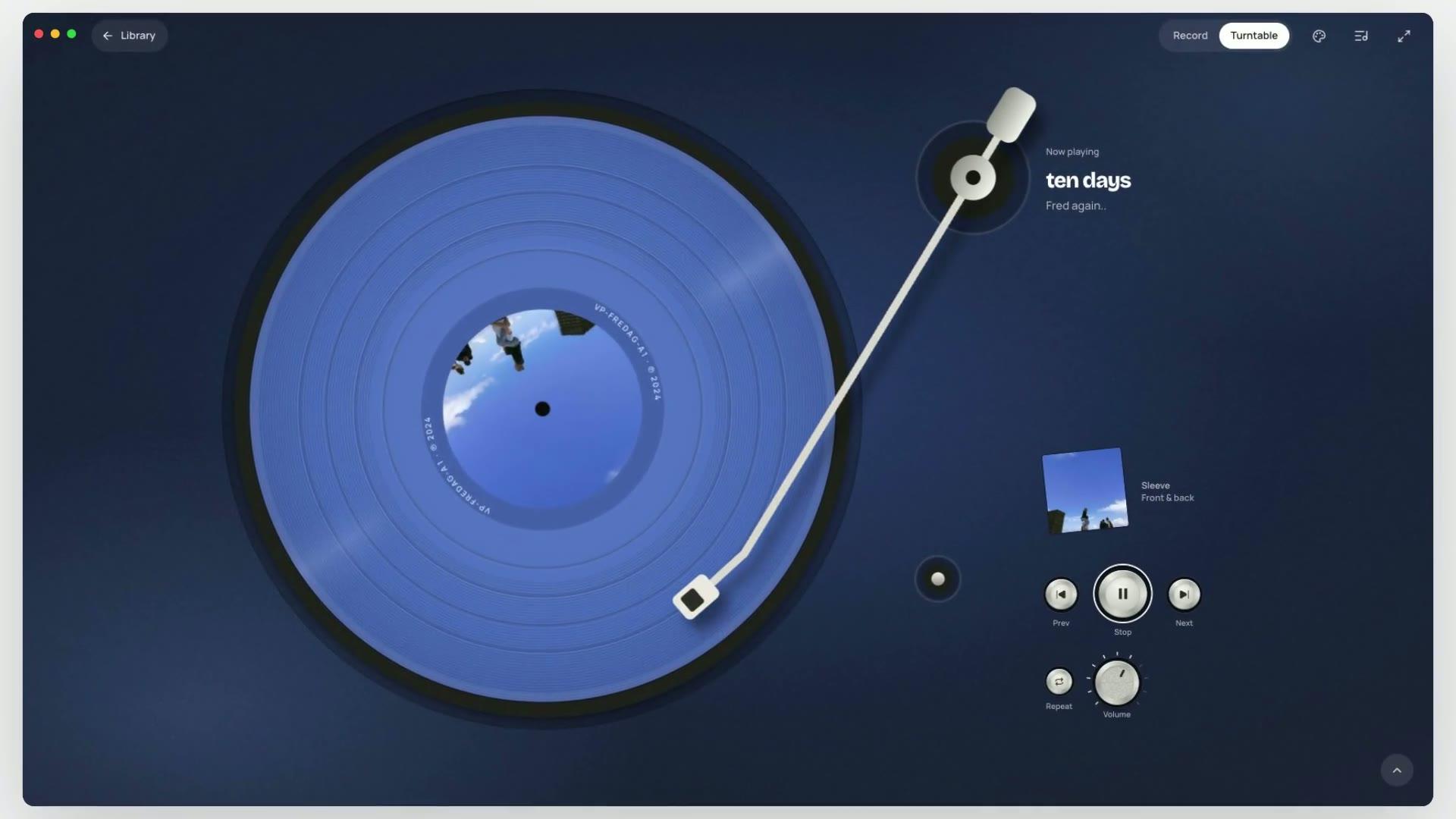
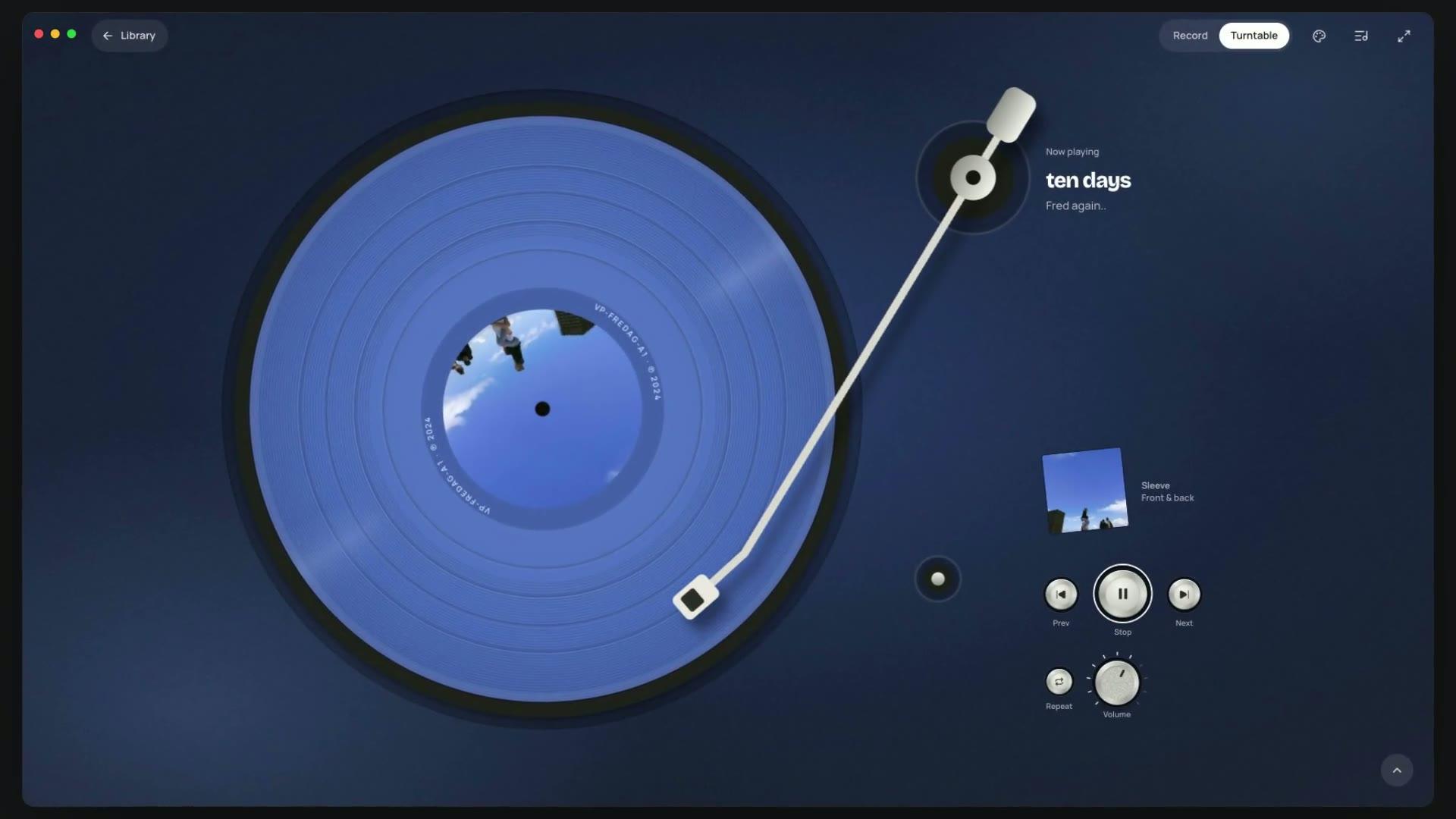
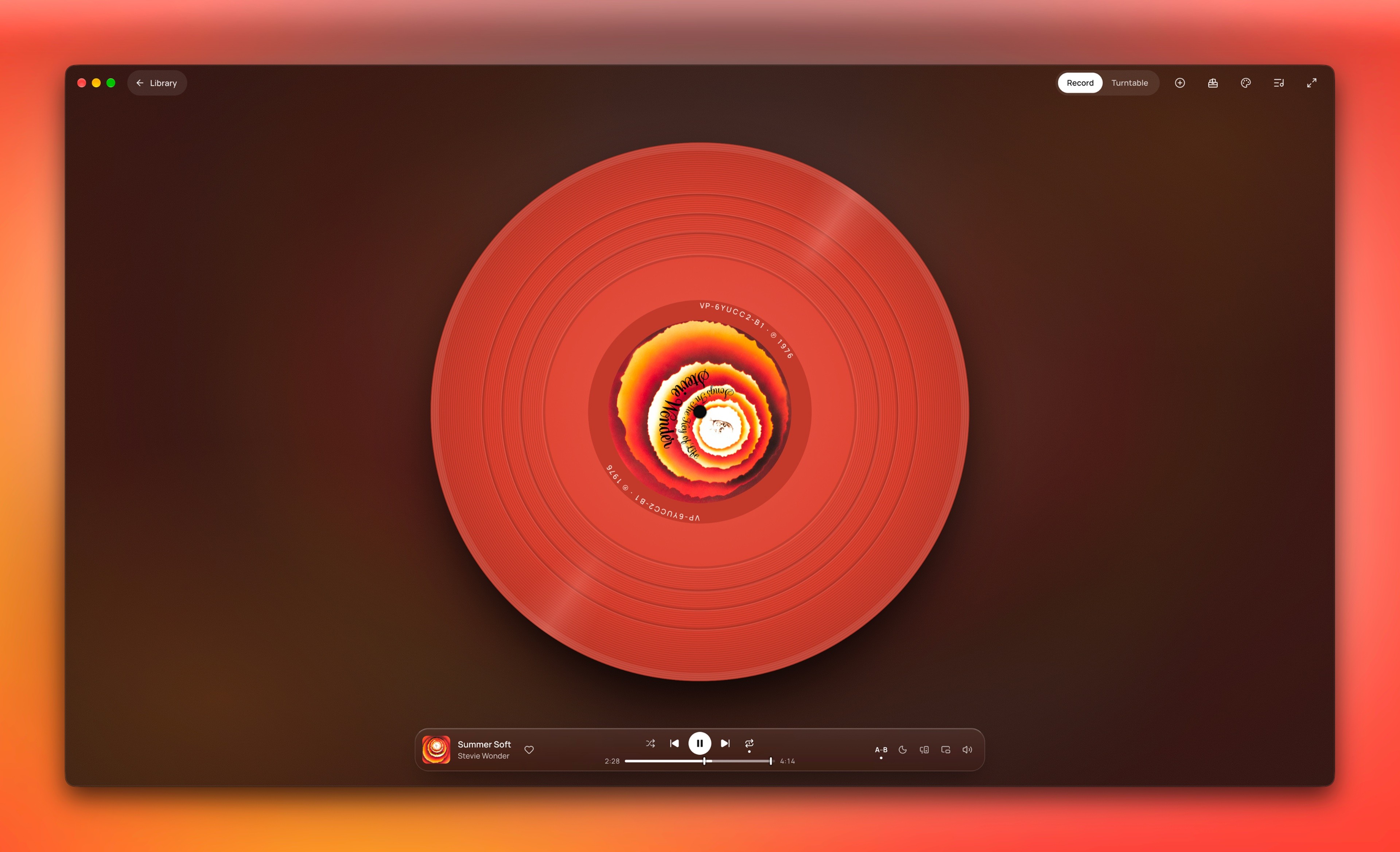
    ten days by Fred again.. turning on the turntable in full view: the blue record and the arm on it, and beside it only the album, the sleeve, a few deck keys and the volume dial.
  3. 03

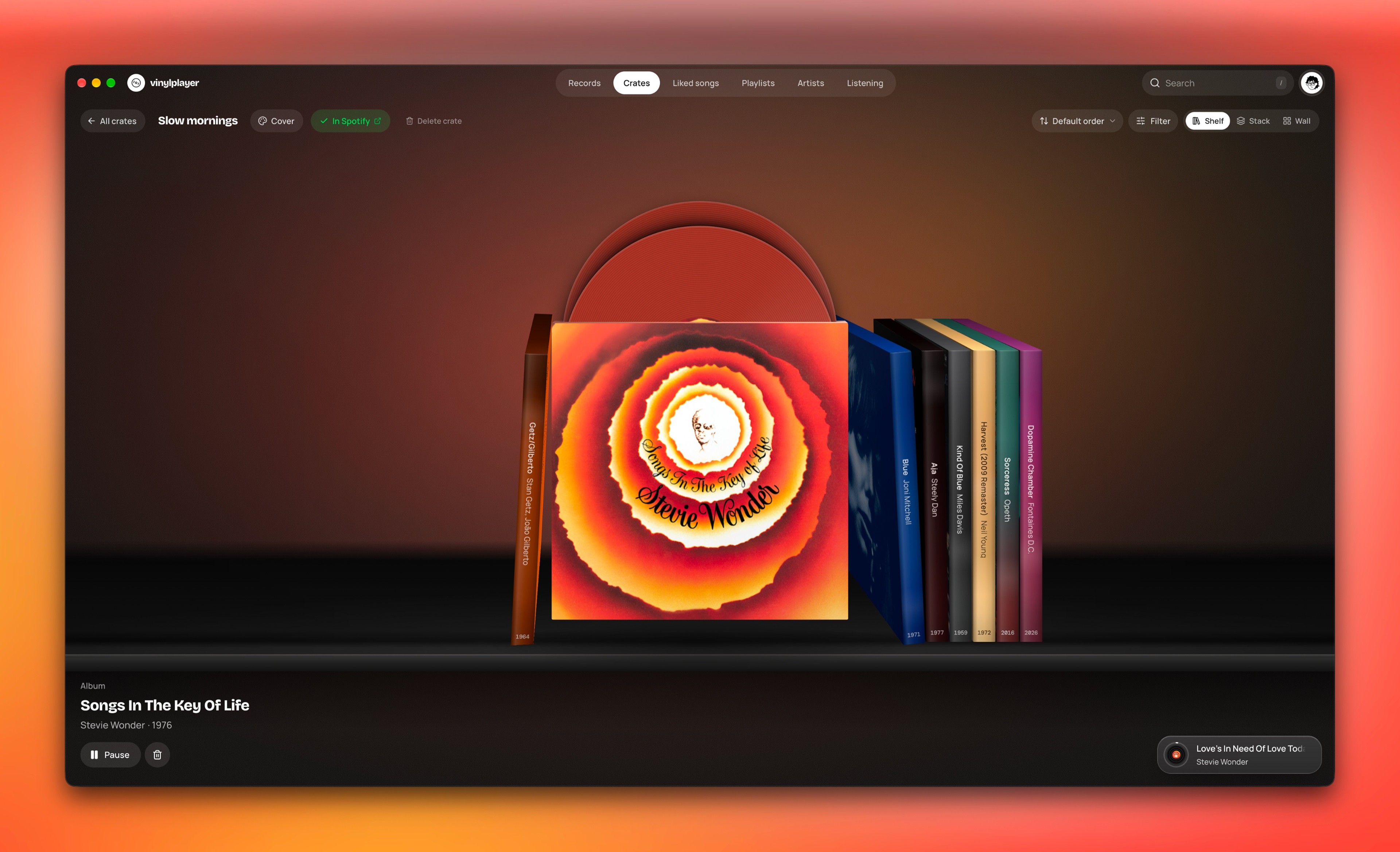
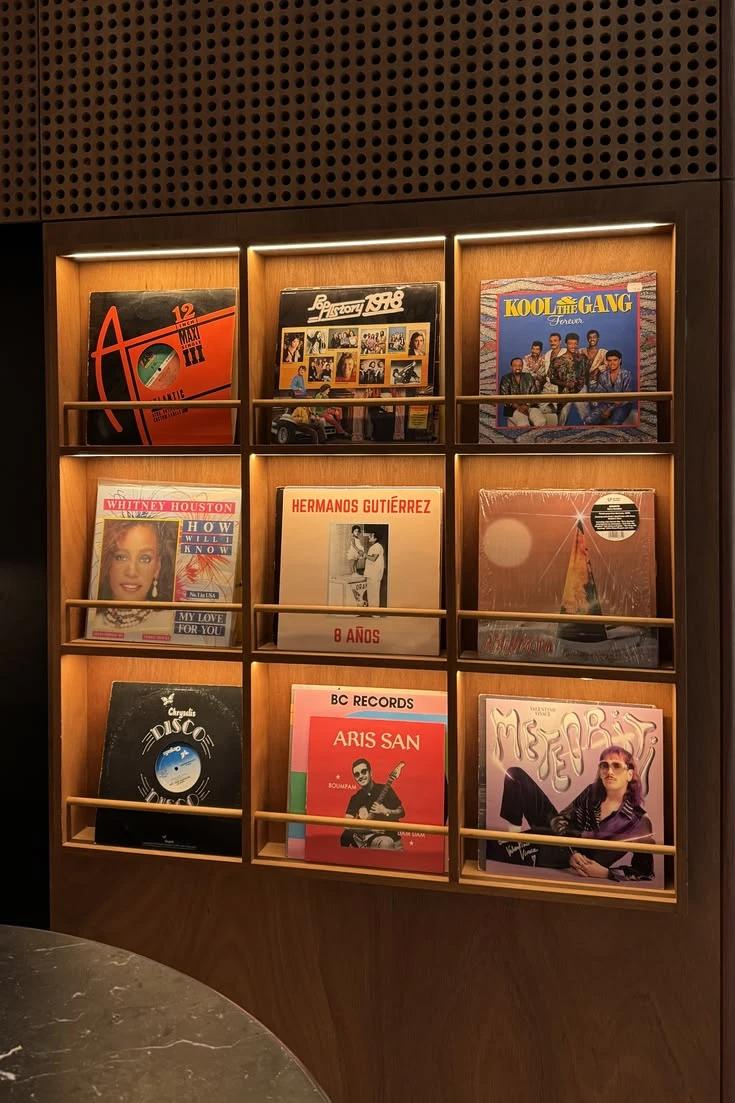
    Your library opens as a shelf.

    What pulled against it

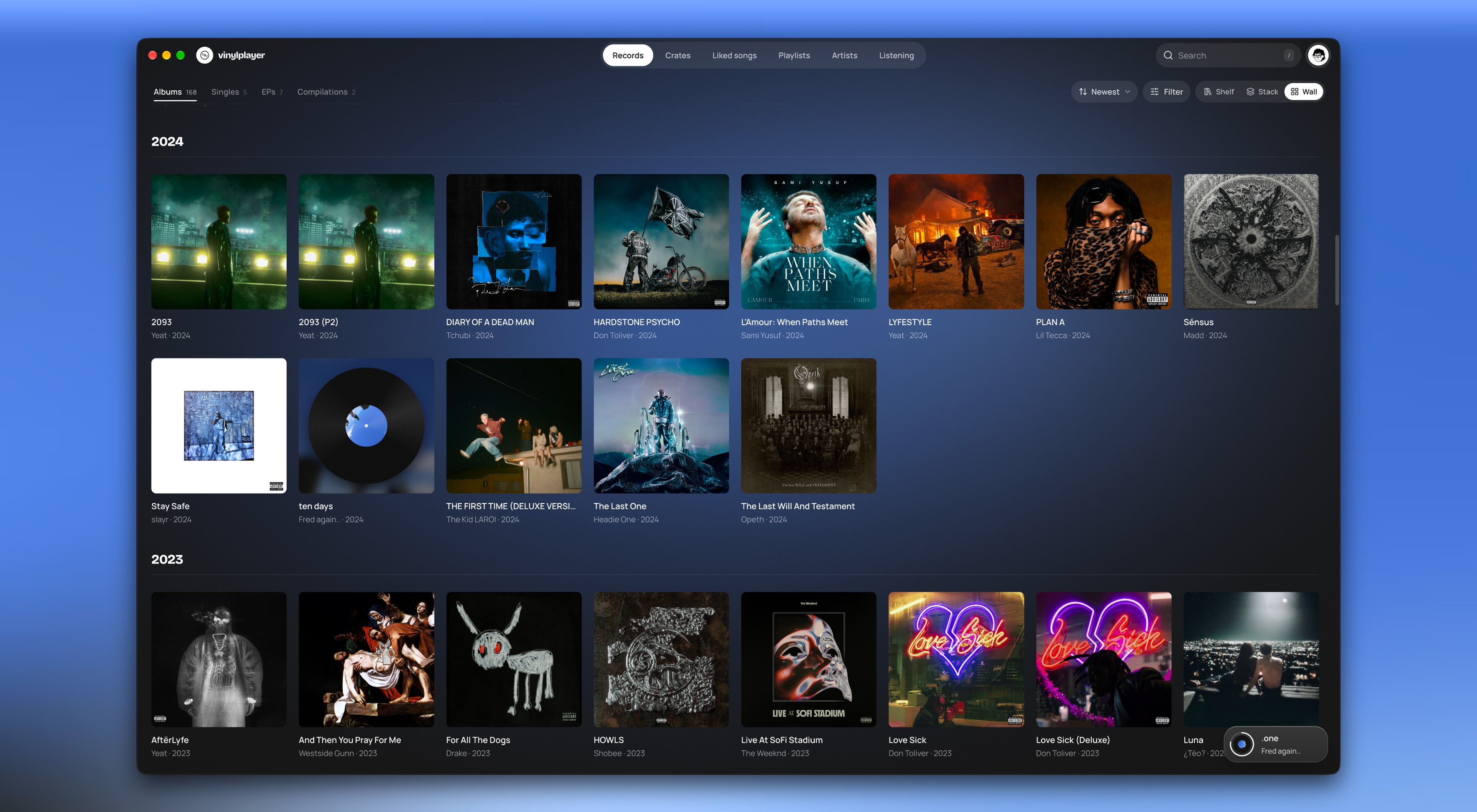
    A grid shows more album covers at once and is familiar from other music apps.

    What I chose

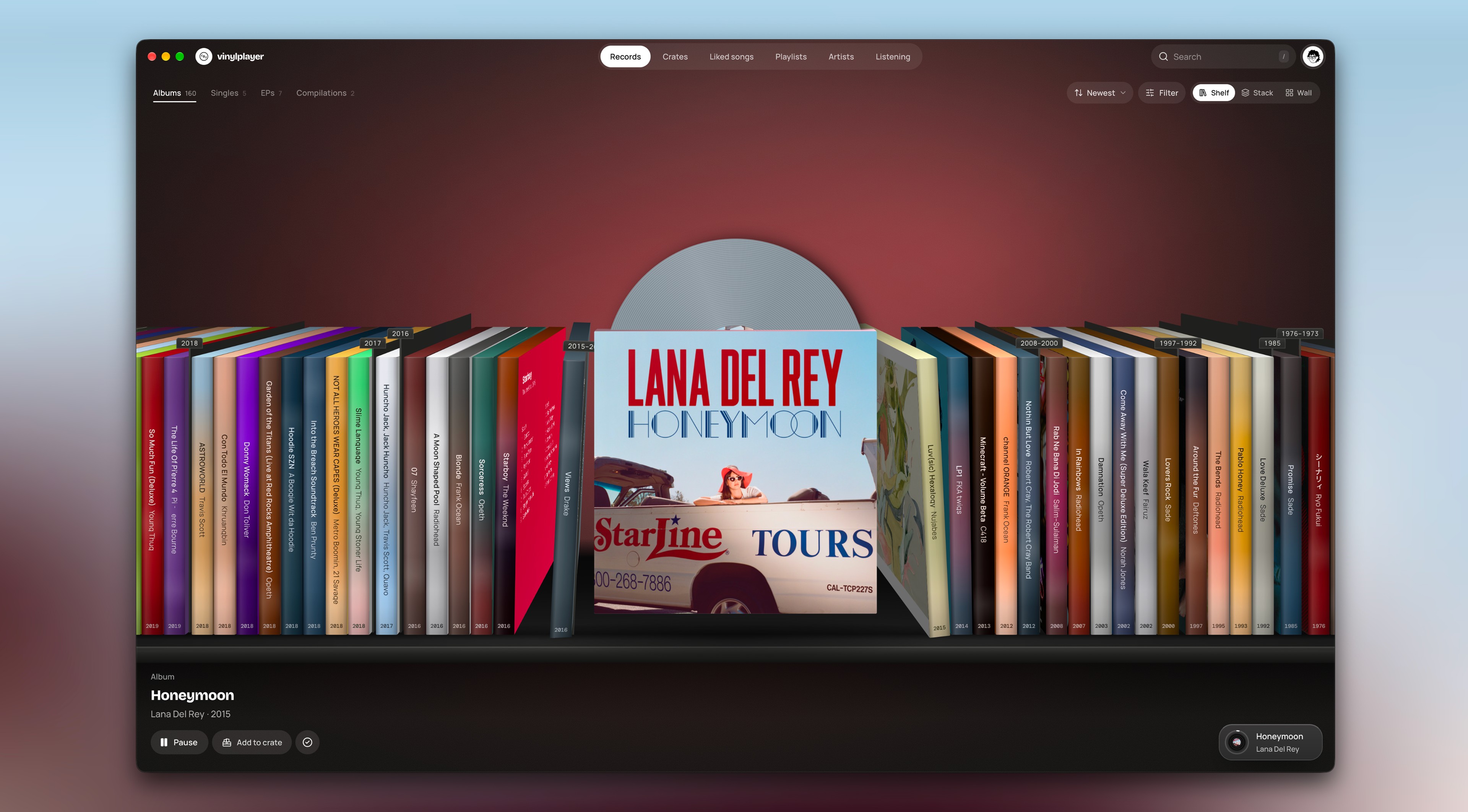
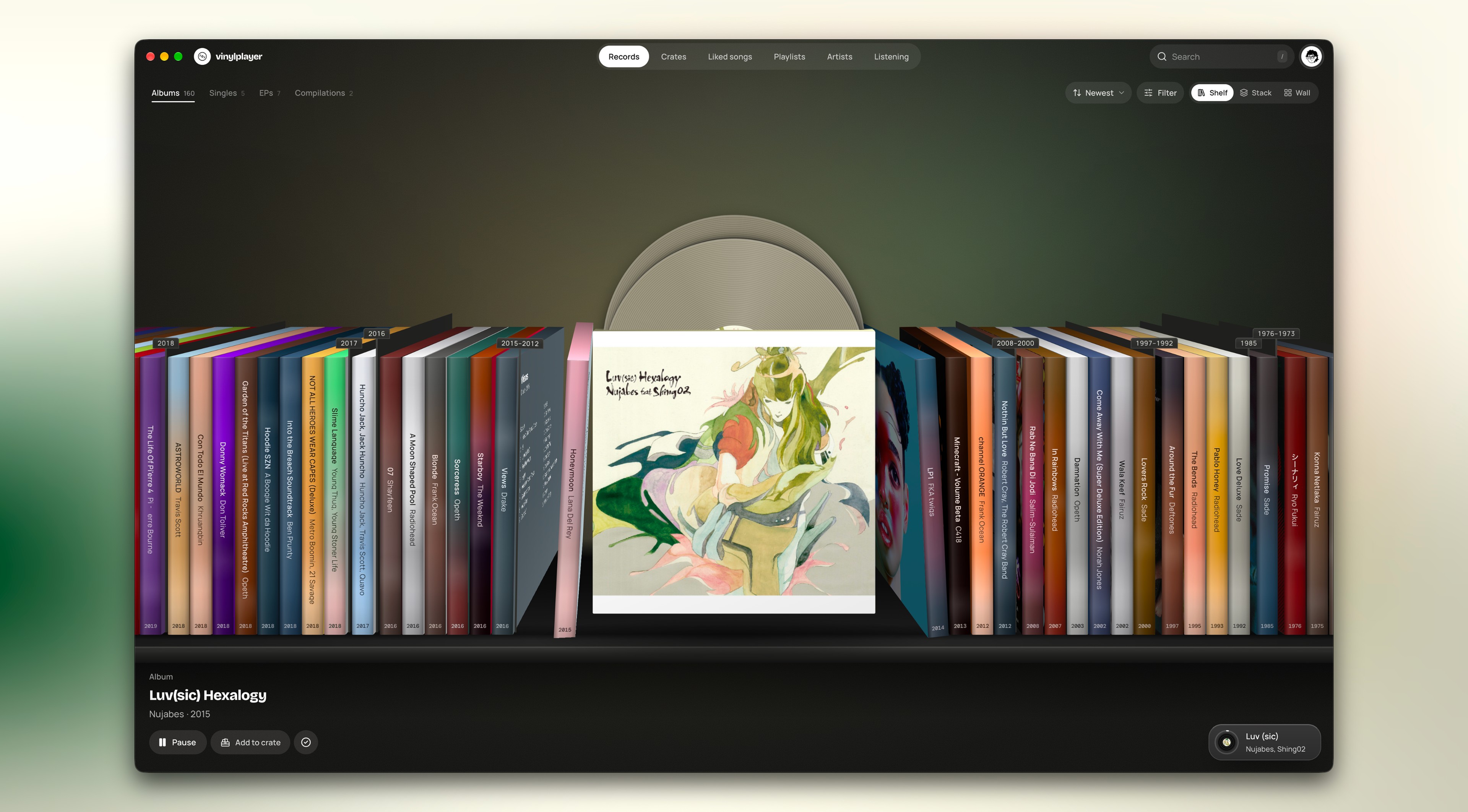
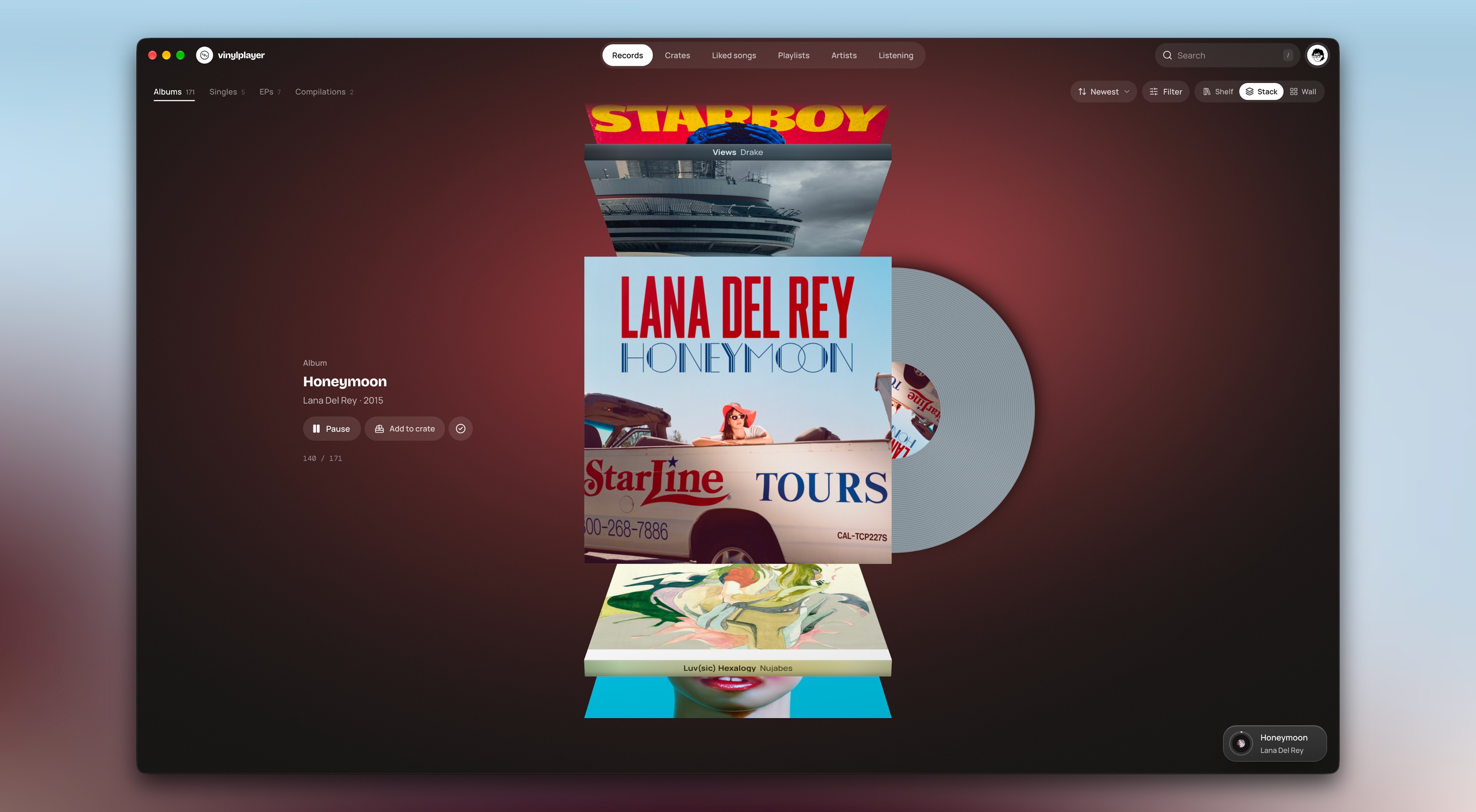
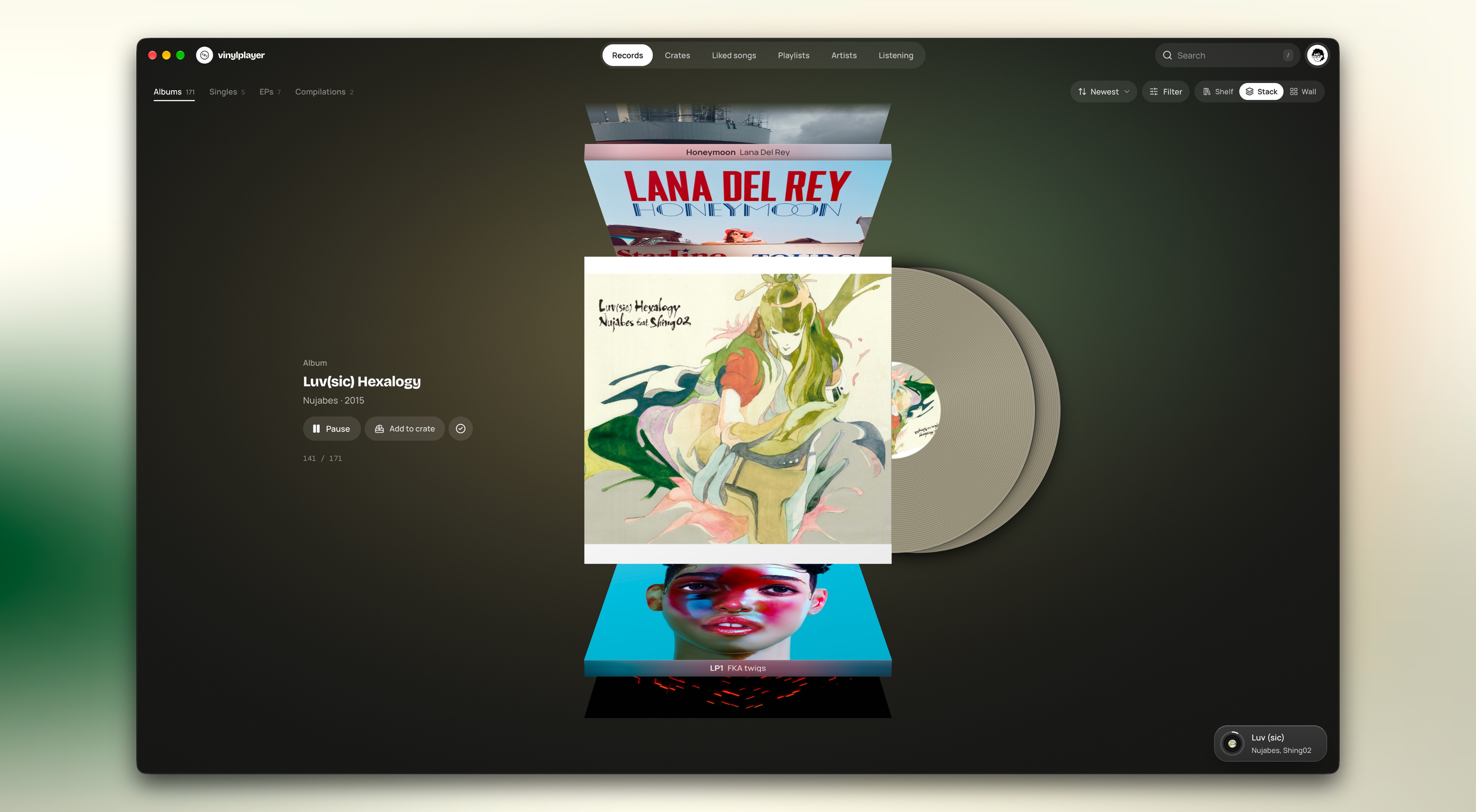
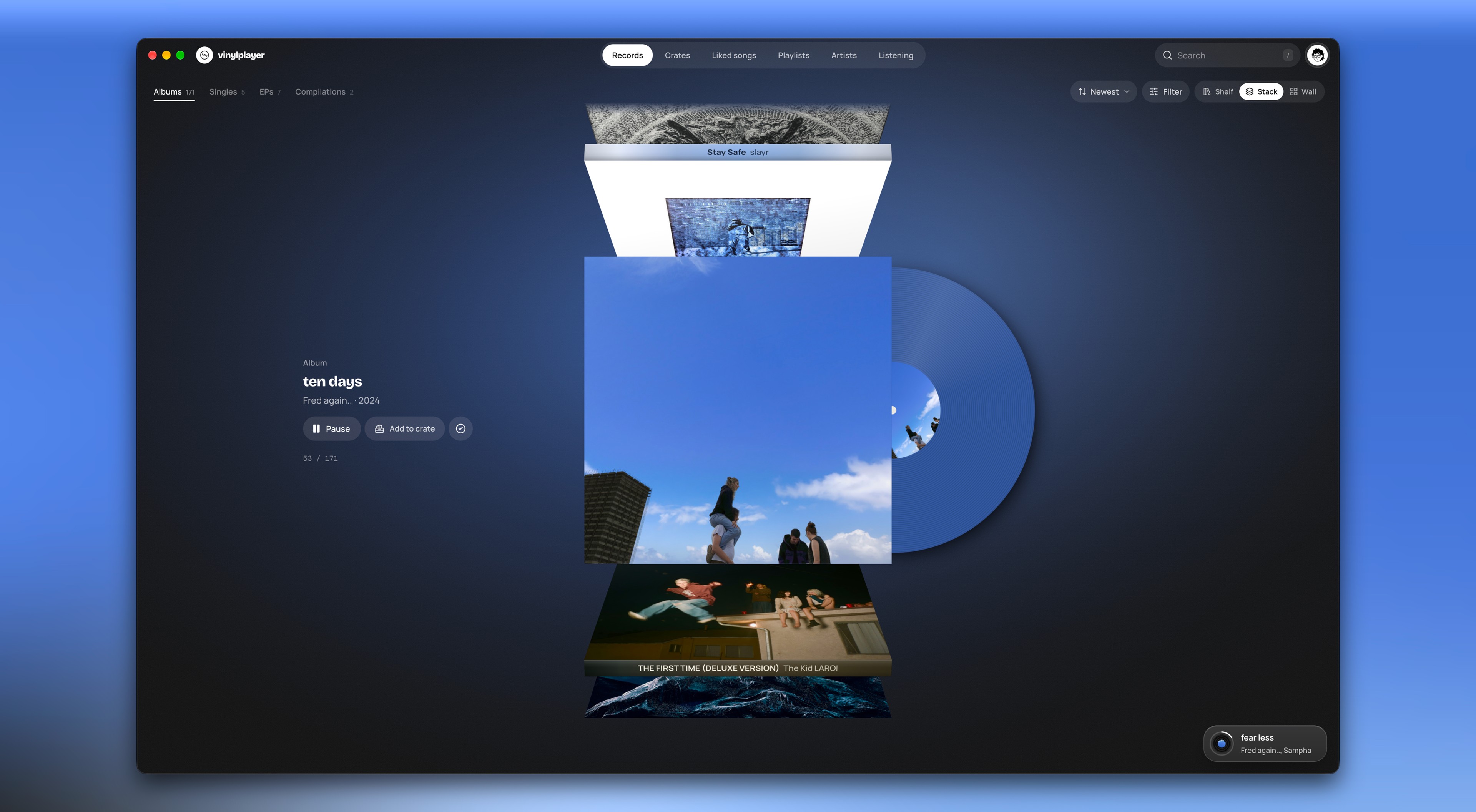
    The shelf opens first, because it feels more like a collection. The spines stand in a row, and the record you pick comes out in front.

    The app itself is black and white, so all the colour comes from the records. The background takes its colour from the record in front, and each spine is tinted from its own cover.

    Two more views are one tap away: Stack, and Wall for people who want the grid.

    What I gave up

    Seeing many albums at once. On the shelf you mostly see spines, and only one cover.

  4. 04

    Spotify's sign-in limit became a setup step.

    What pulled against it

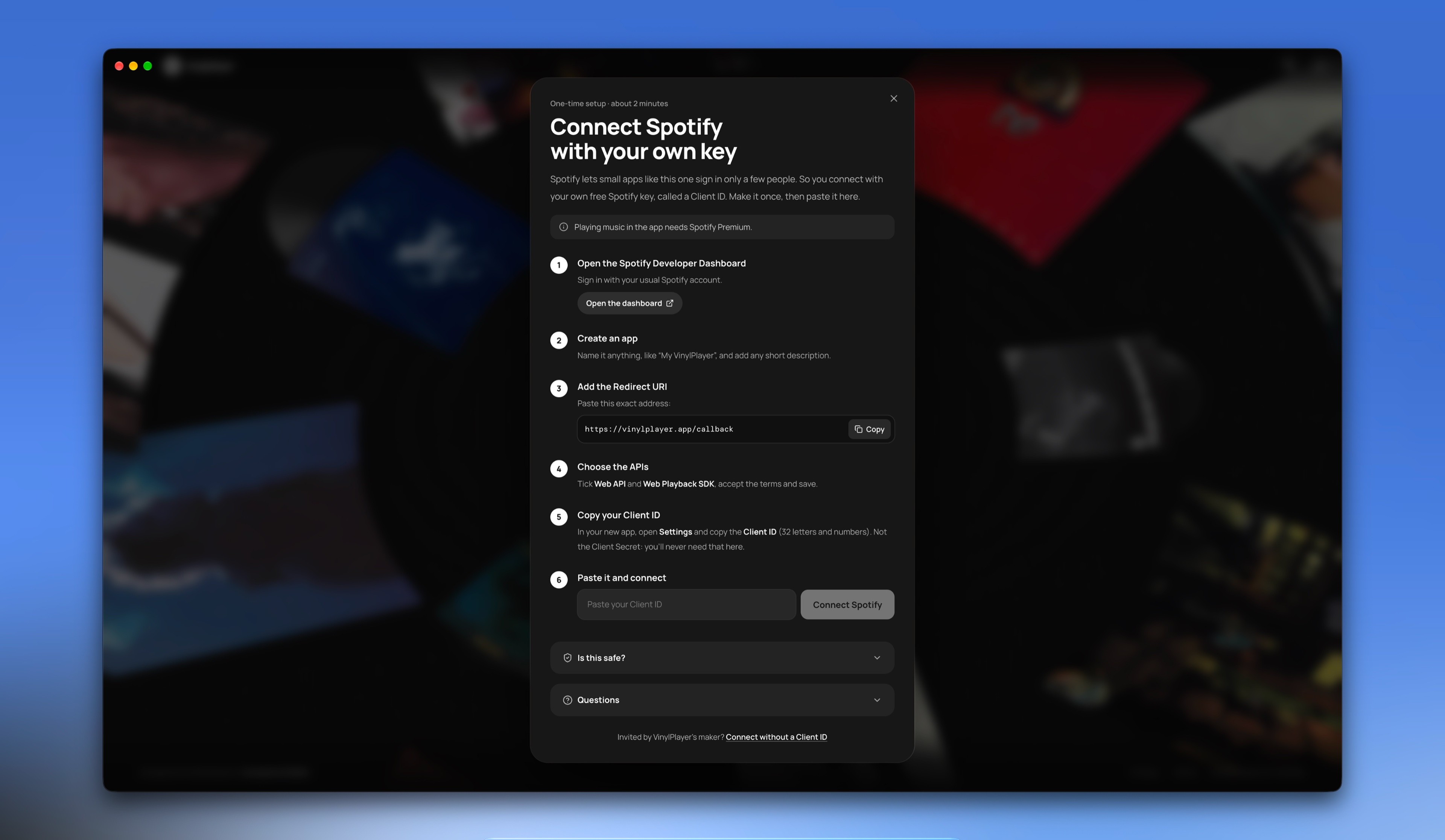
    Spotify lets a small app sign in only a few invited people. That would have kept VinylPlayer to a handful of listeners. Opening it to everyone needs Spotify's extended access, which goes only to registered companies with a large user base.

    What I chose

    Everyone else makes their own Spotify key, a code that connects the app to Spotify. They do it once, in about two minutes, and a guide in the app walks them through it.

    What I gave up

    An easy start. I wanted people to connect and play, but most people have a setup step before they hear their first record.

Other features

Everything else, when you want it.

These don't change what the app is. The diary, Your year and Print are just for fun, so they stay off the turntable.

  • 1/2 · All your crates.

    Crates

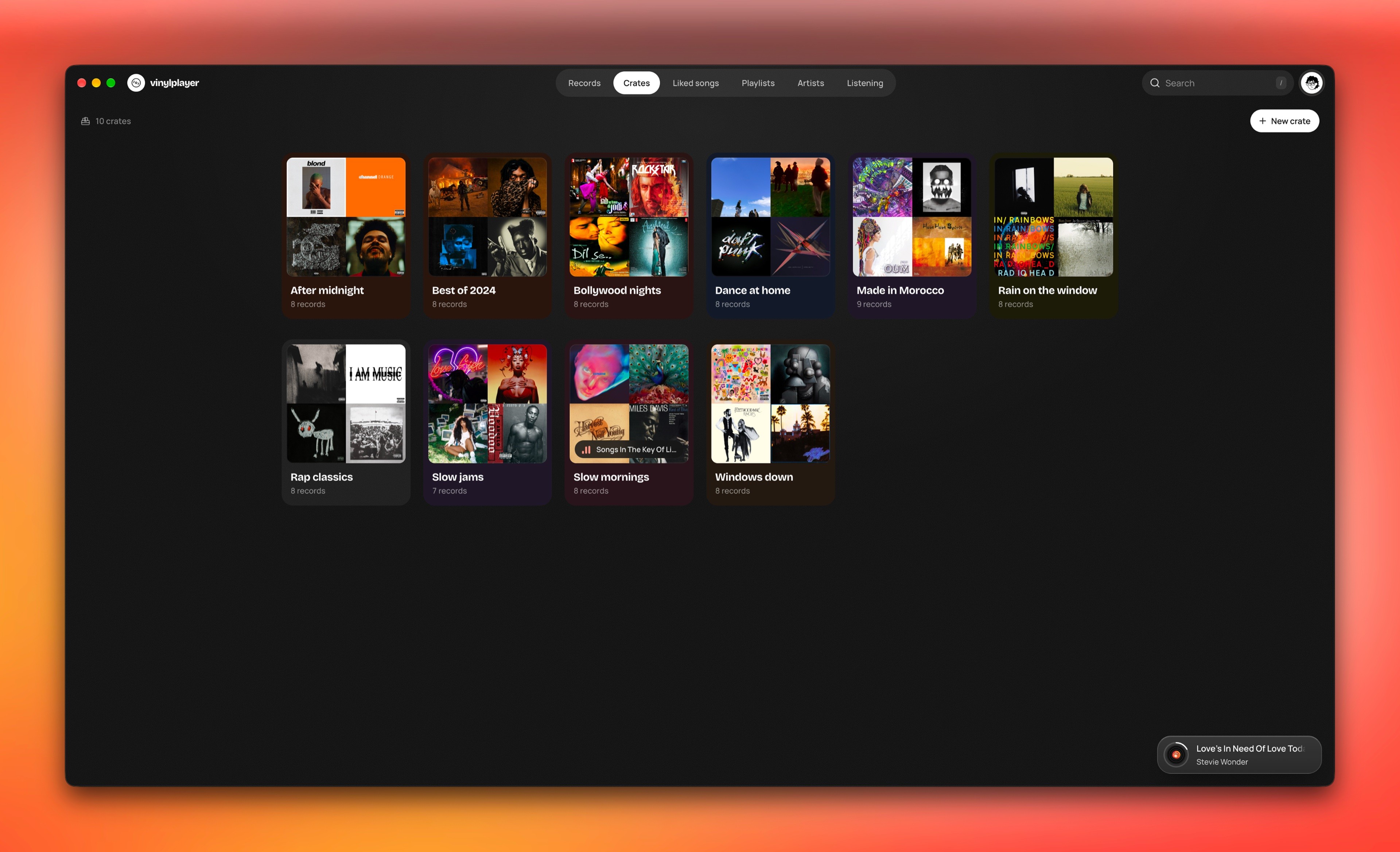
    A library is one long list. Collectors sort their records into boxes called crates, so I let you do the same: group albums by region, language or theme. Save a crate to Spotify and it becomes a playlist that stays up to date.

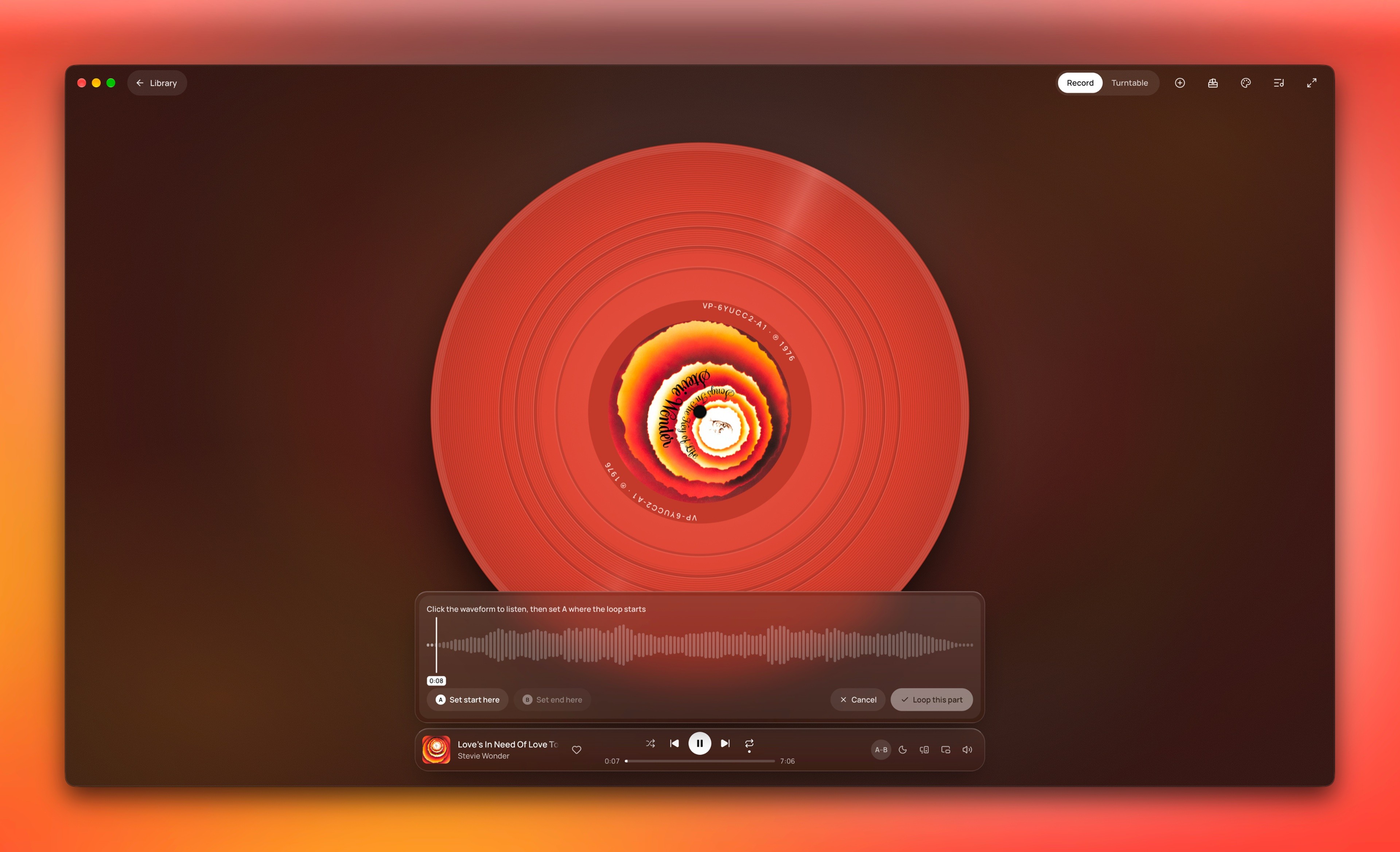
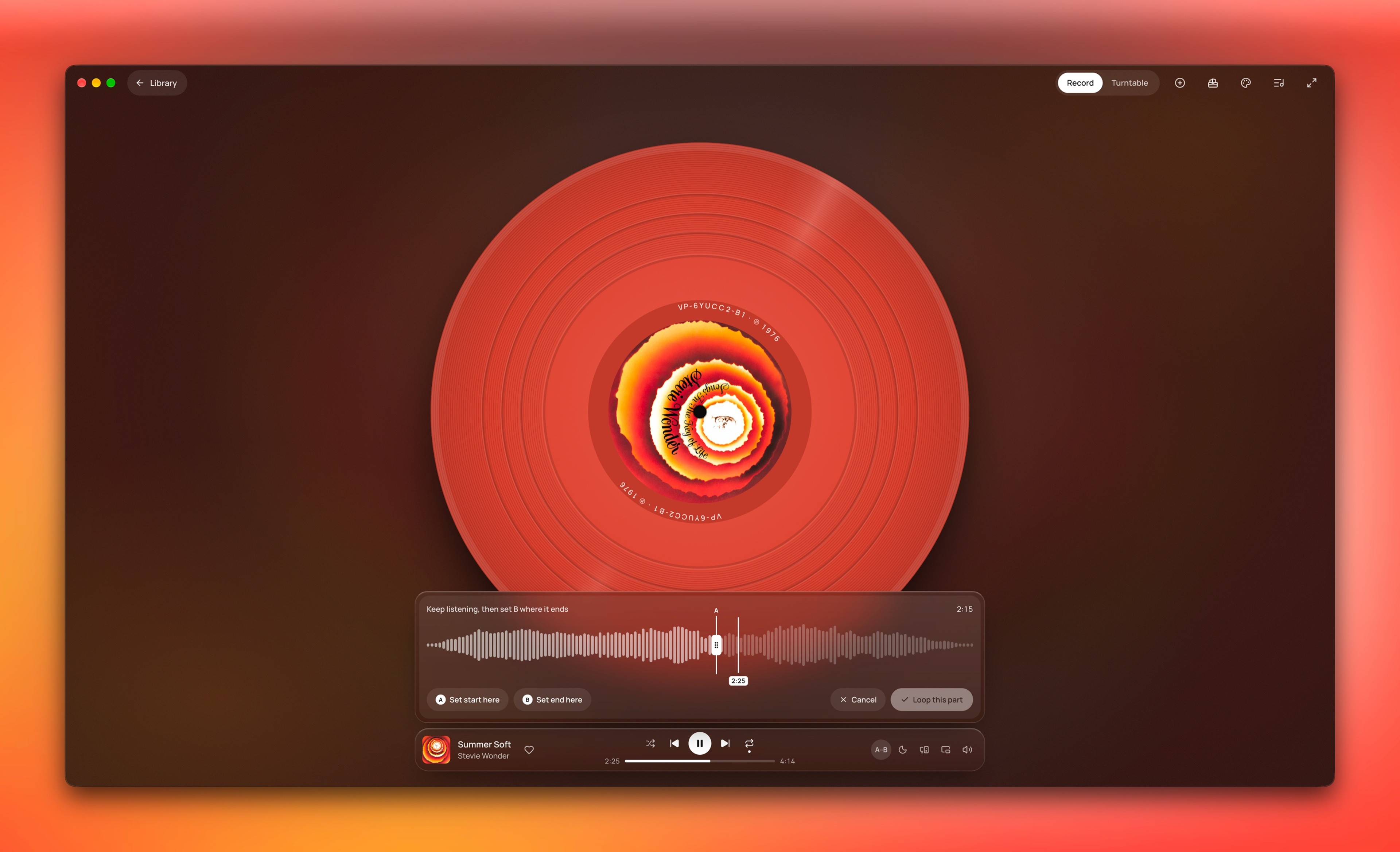
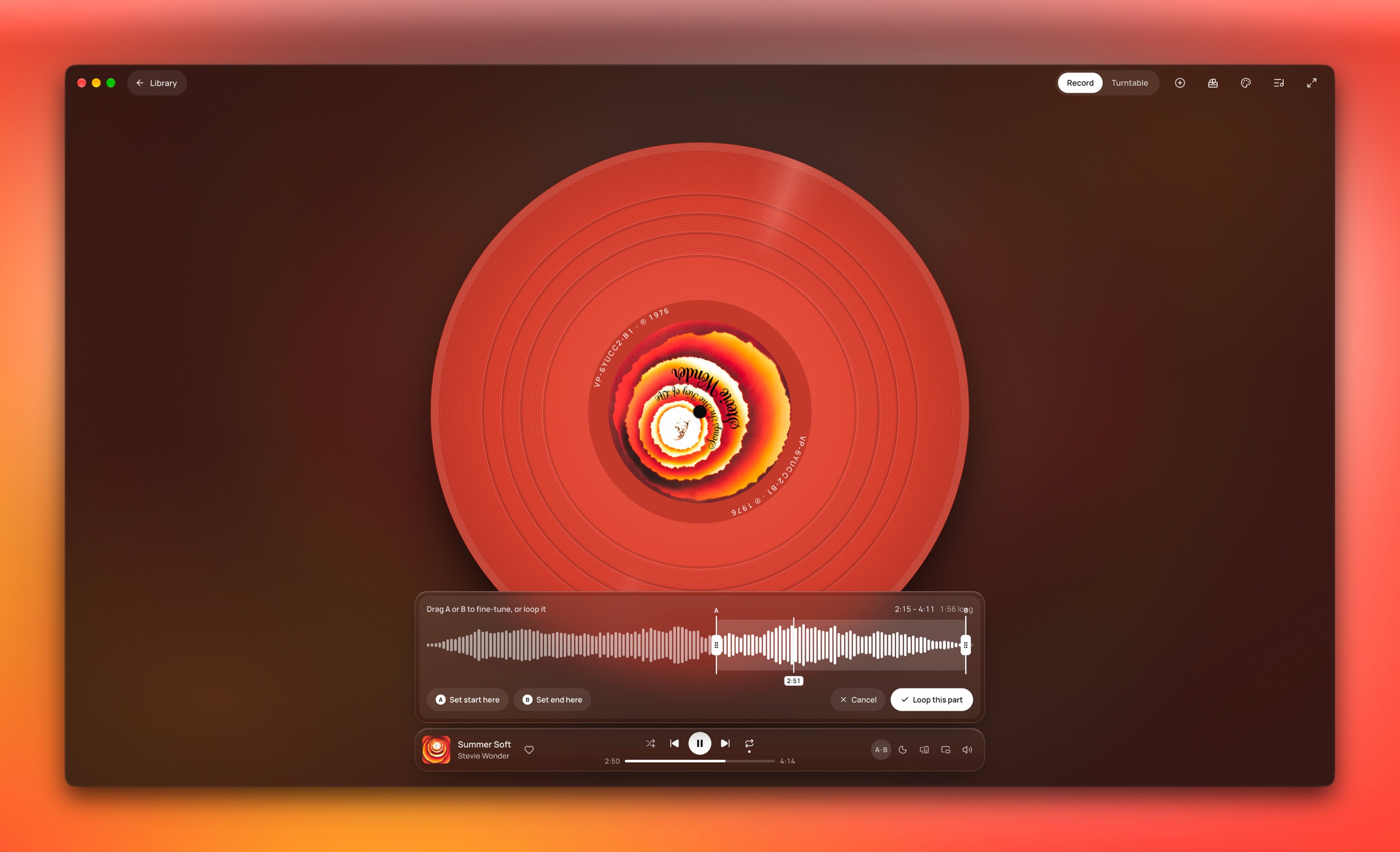
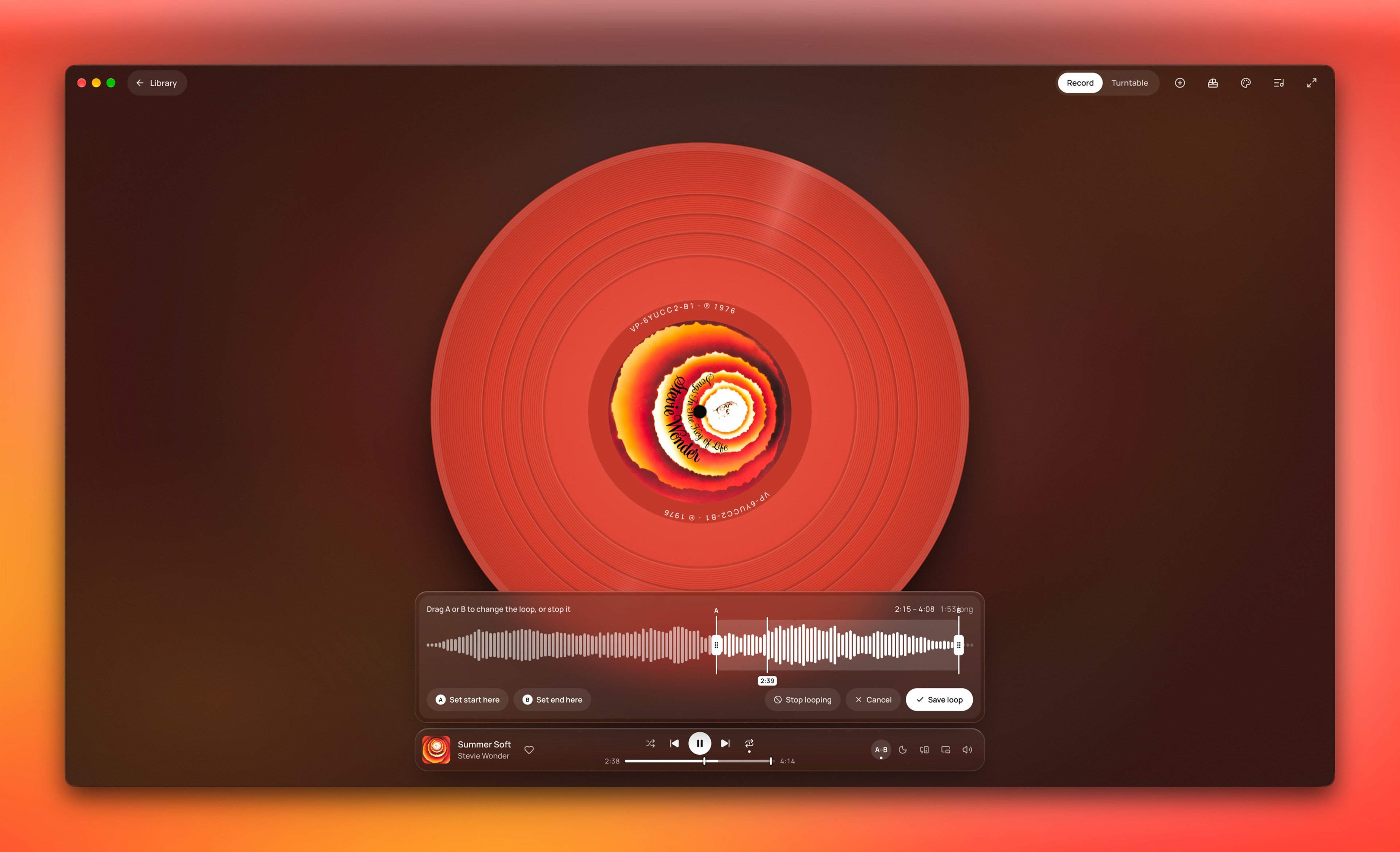
  • 1/5 · Set A where the part starts.

    A–B loop

    Mark where the part you love starts (A) and ends (B), and it replays until you clear it. It goes against an app about whole albums, but on Spotify I'd skip back by hand or hunt for an edited clip on YouTube.

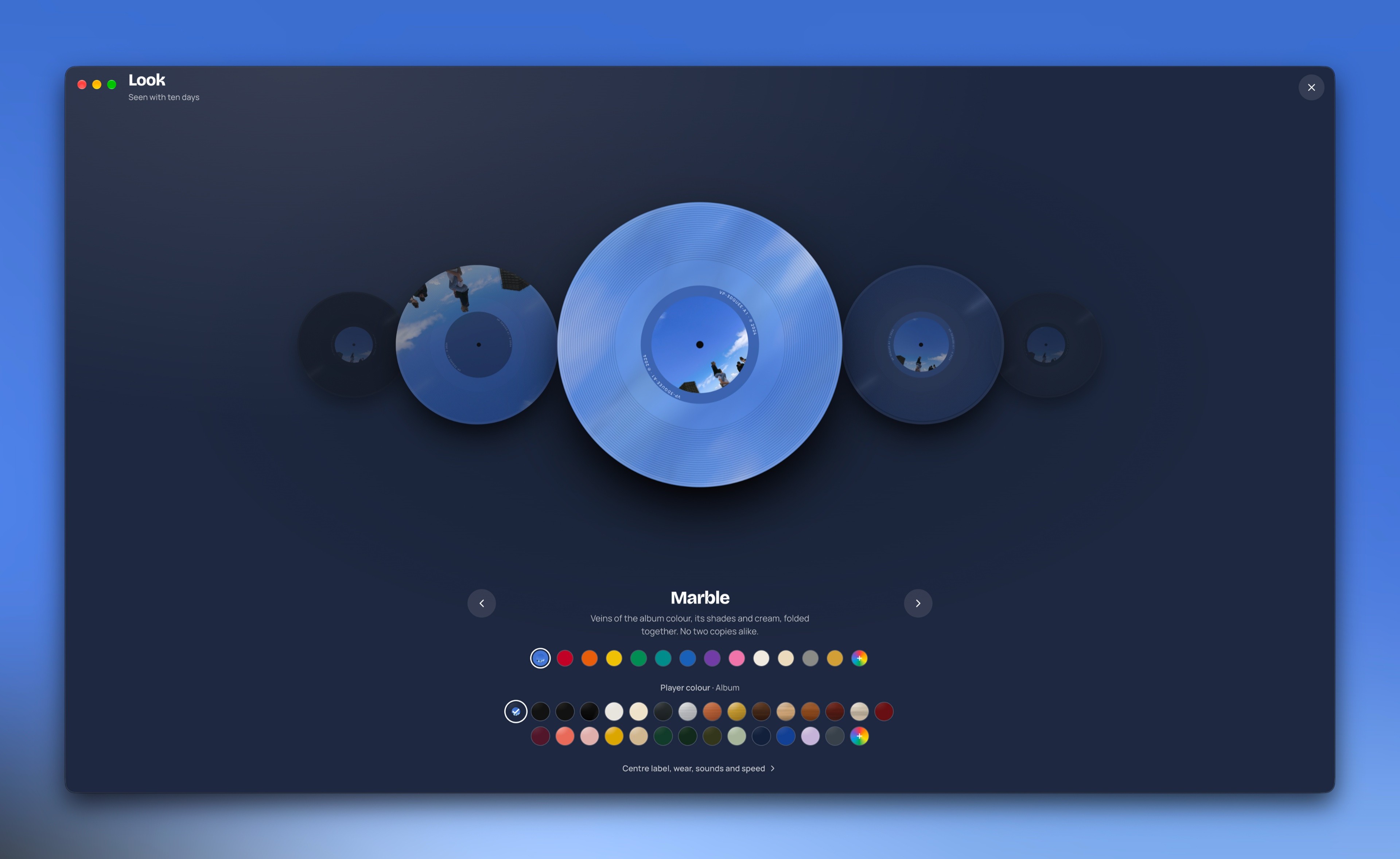
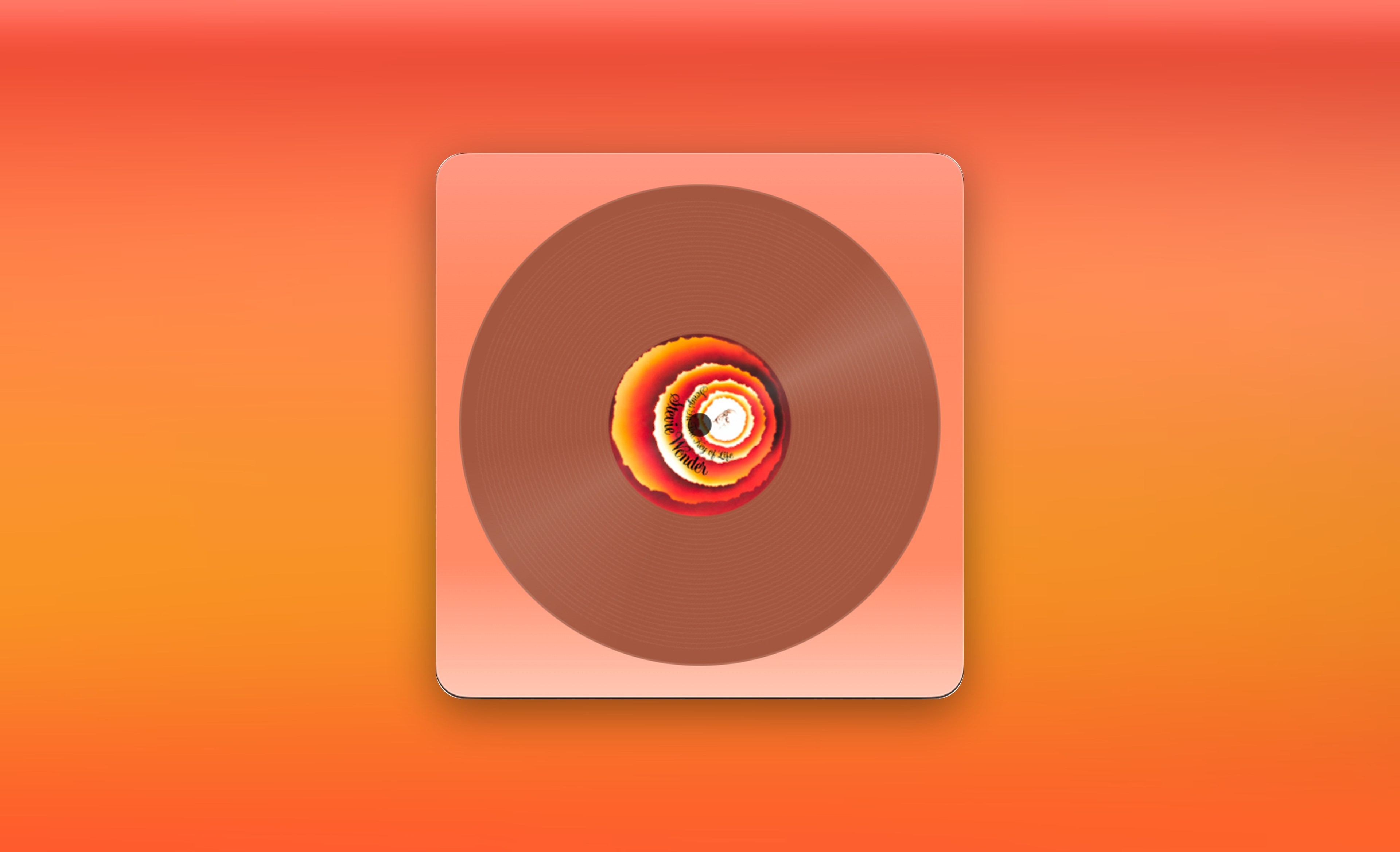
  • 1/2 · Pick a pressing and its colour.

    Look

    Six pressings, from the album's own colour to marble, clear and smoke. Add wear, crackle and needle sounds if you want a record that sounds used.

  • 1/2 · It opens beside your shelf.

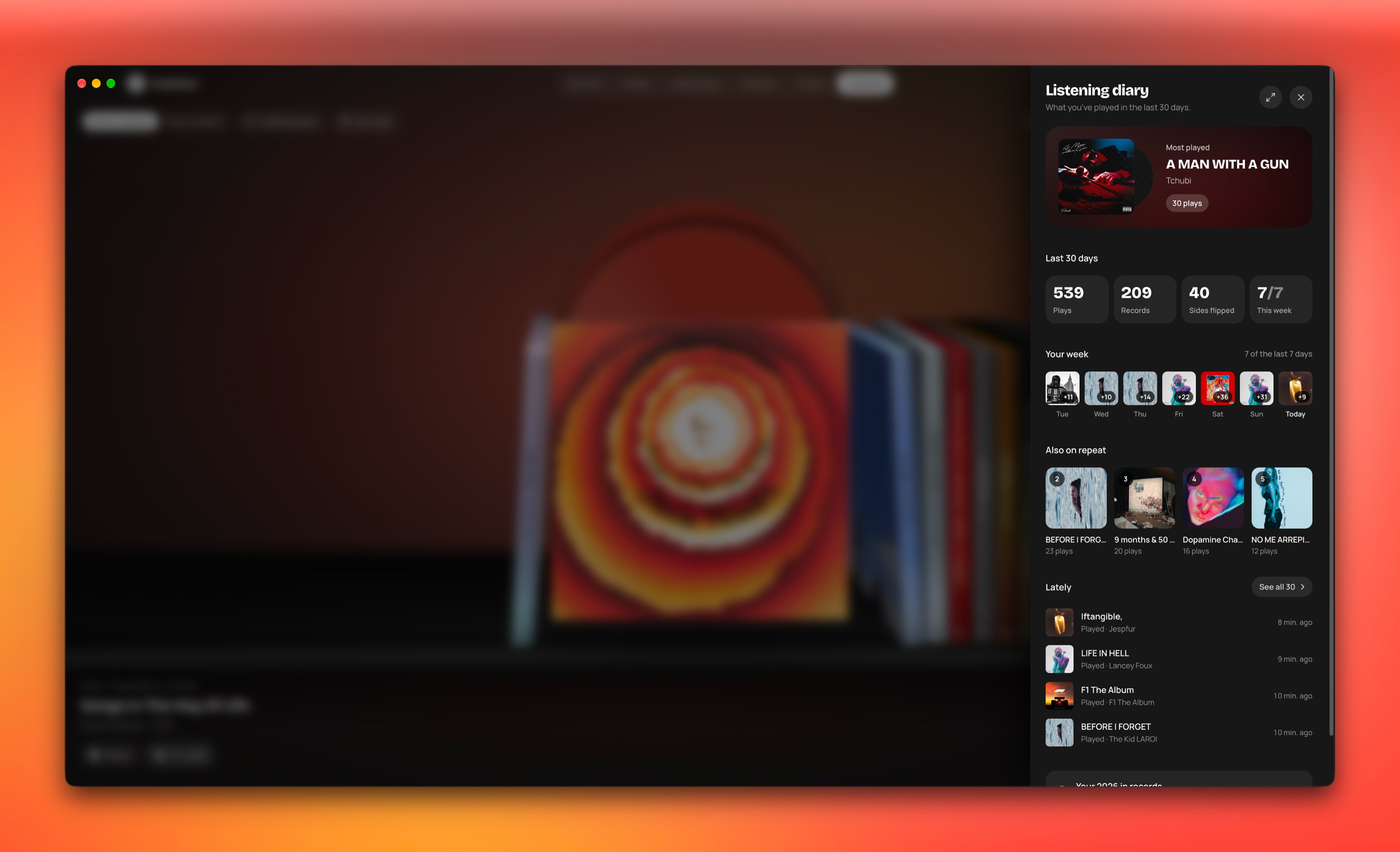
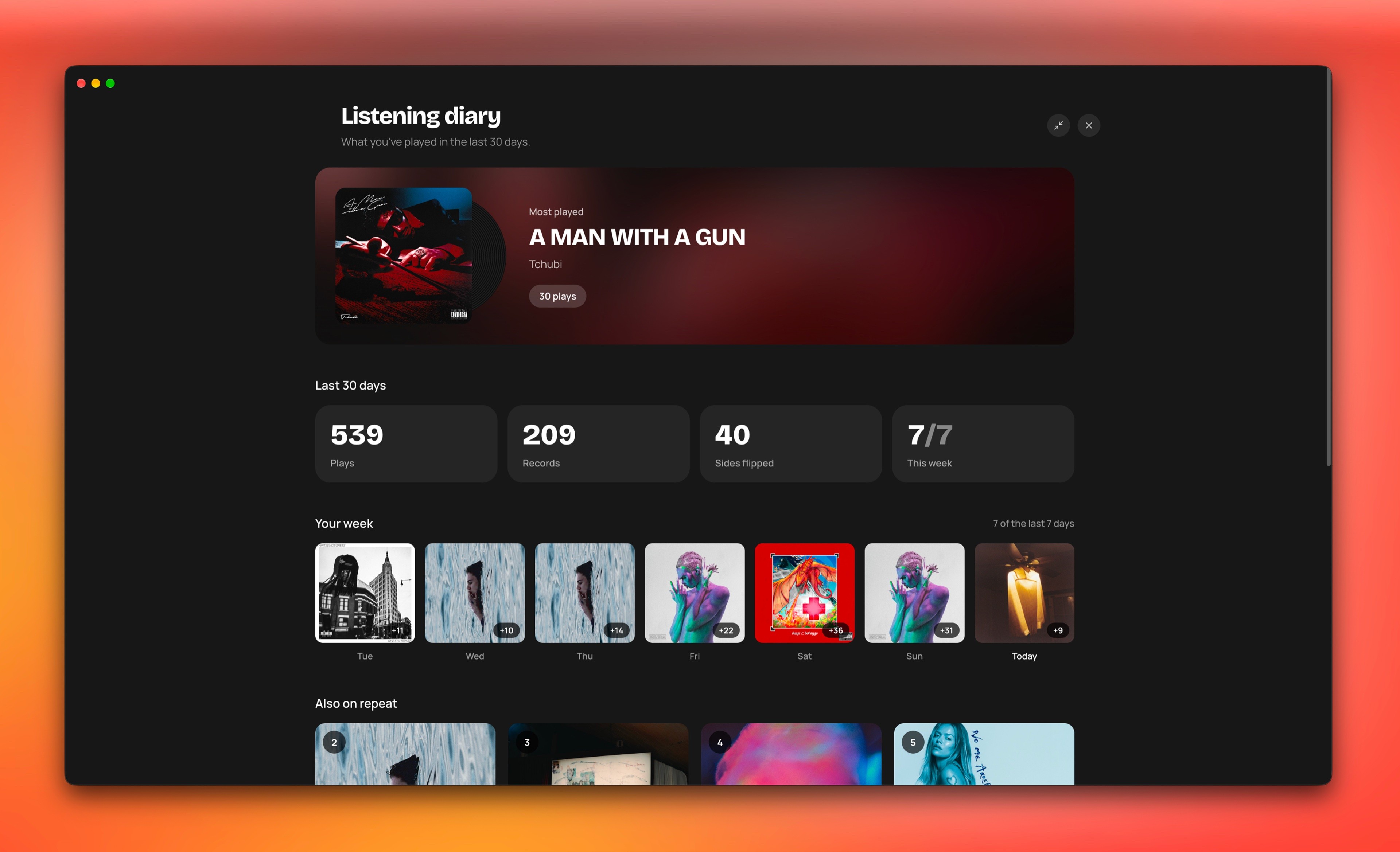
    Listening diary

    Spotify shows a little of what you've played. I wanted to show more: the records, the sides you flipped, your week as album covers.

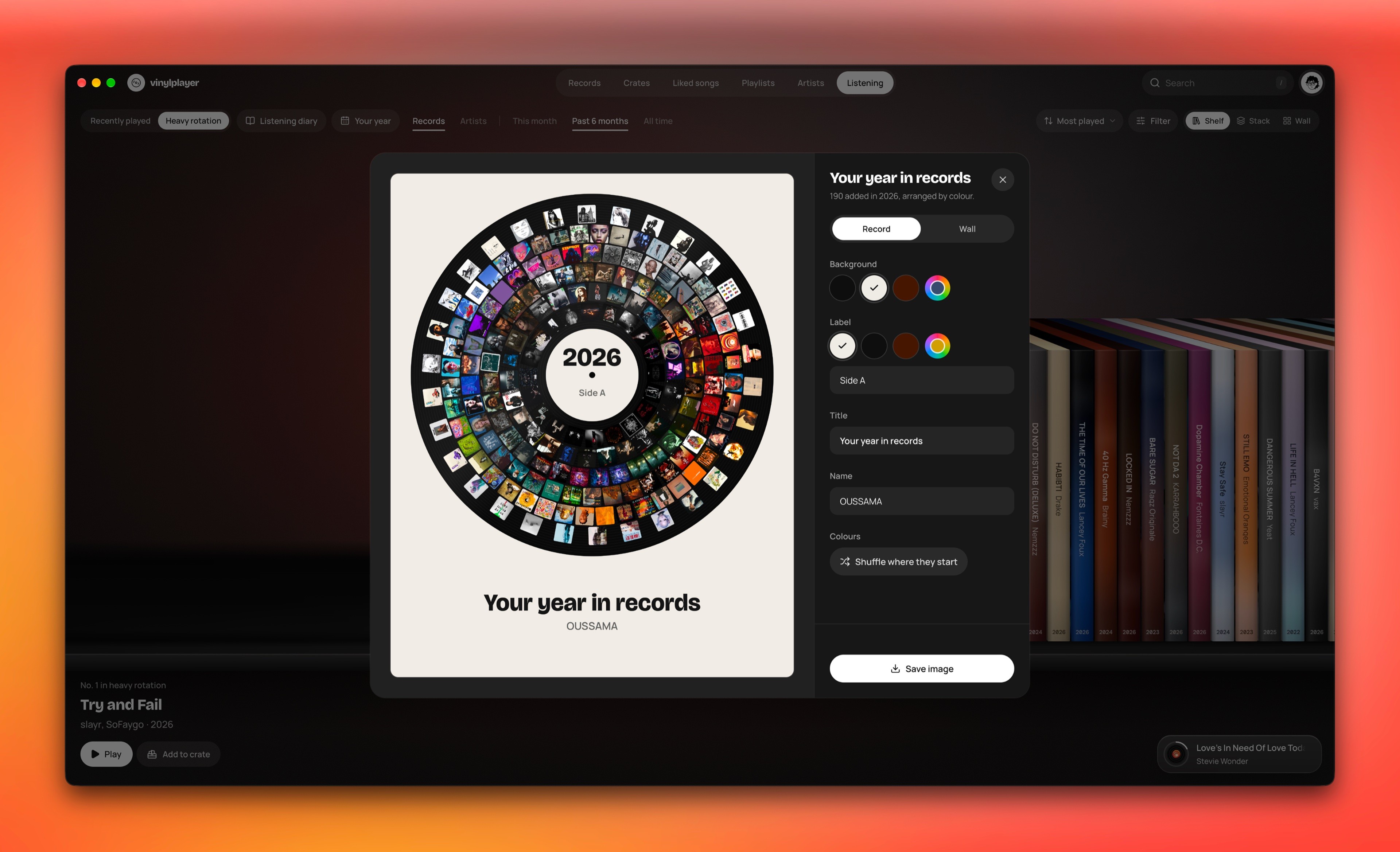
  • 1/2 · As a record, with your words.

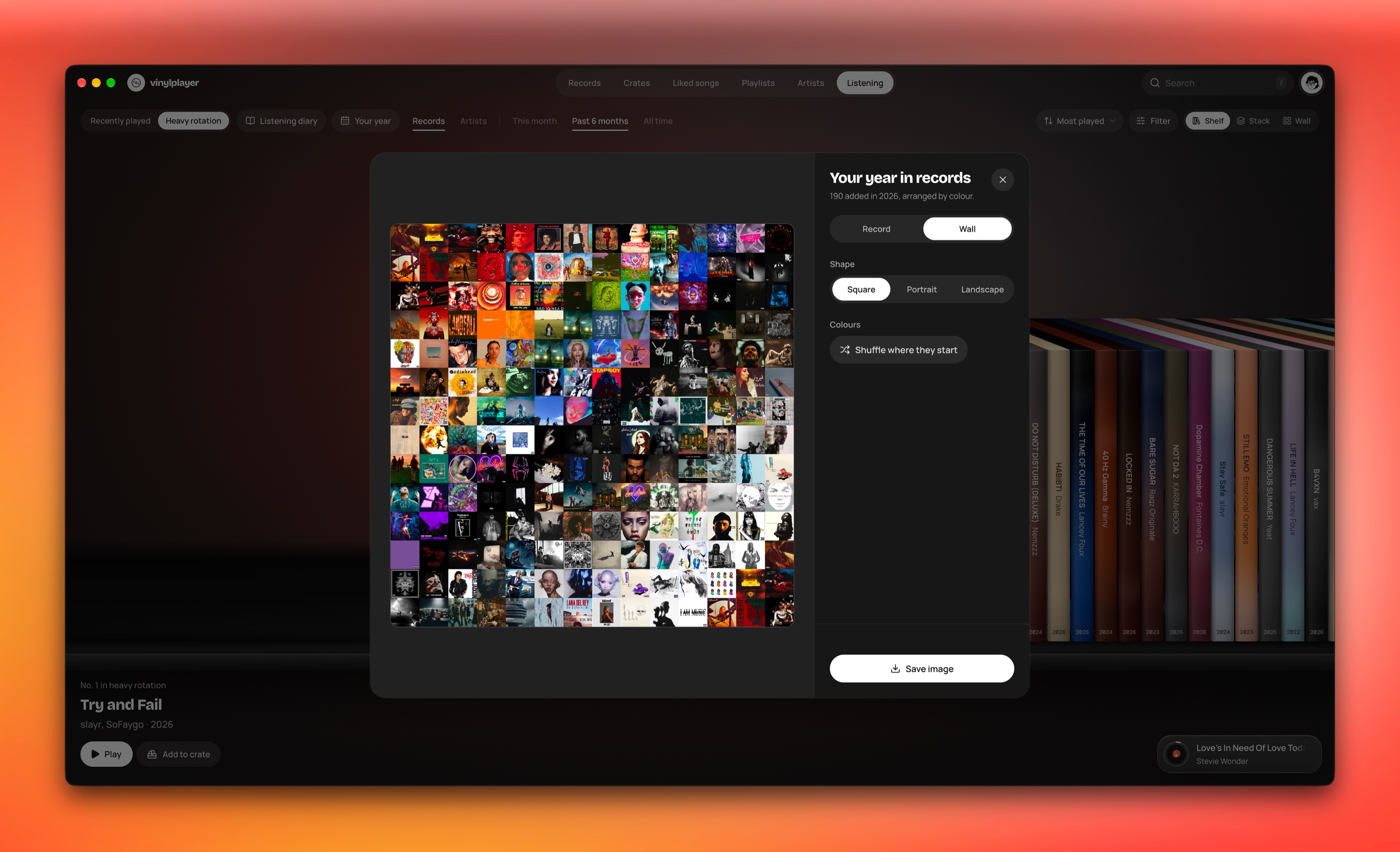
    Your year

    On Discord, a friend saw me looking up print ideas and said they wanted to print a mosaic of their whole year. We couldn't find a tool for it, so I built one: the records you added this year, as one poster.

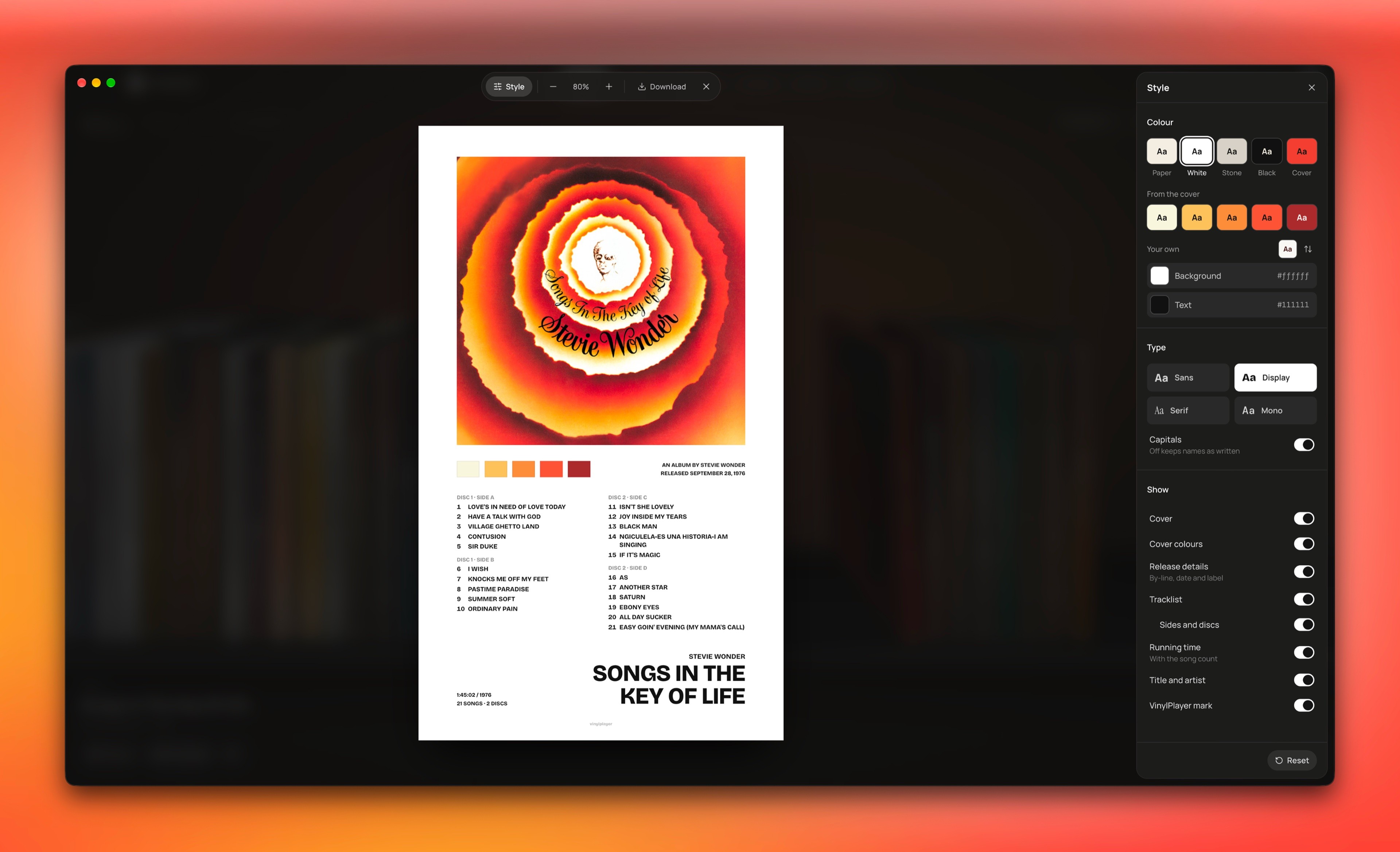
  • 1/2 · Style its colour, type and parts.

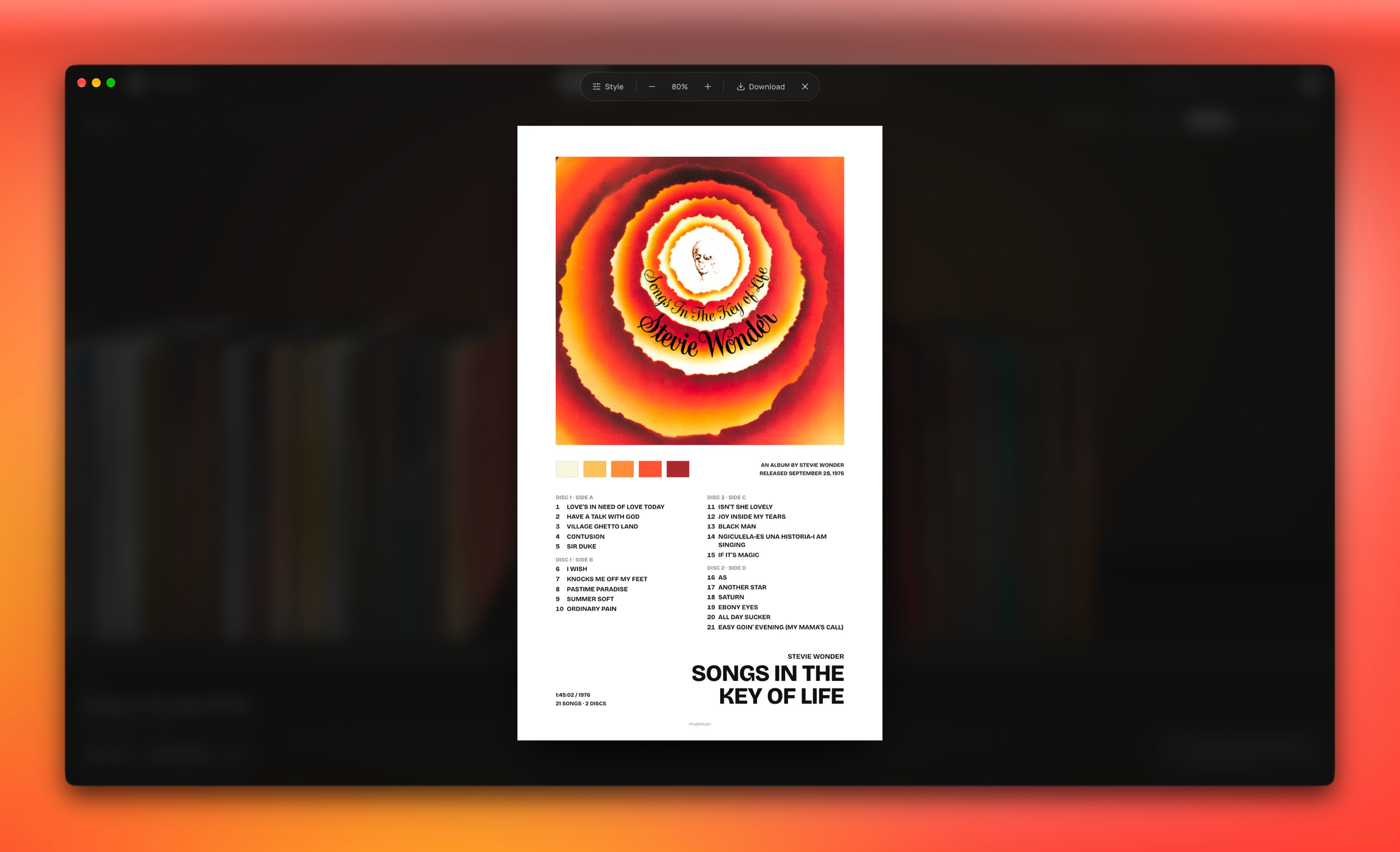
    Print

    Years ago I printed album posters from Pinterest, like a Travis Scott one. So any album page can become a poster of its songs, featured artists and release details, ready to print.

  • 1/5 · A record that stays on top.

    Mini player and menu bar

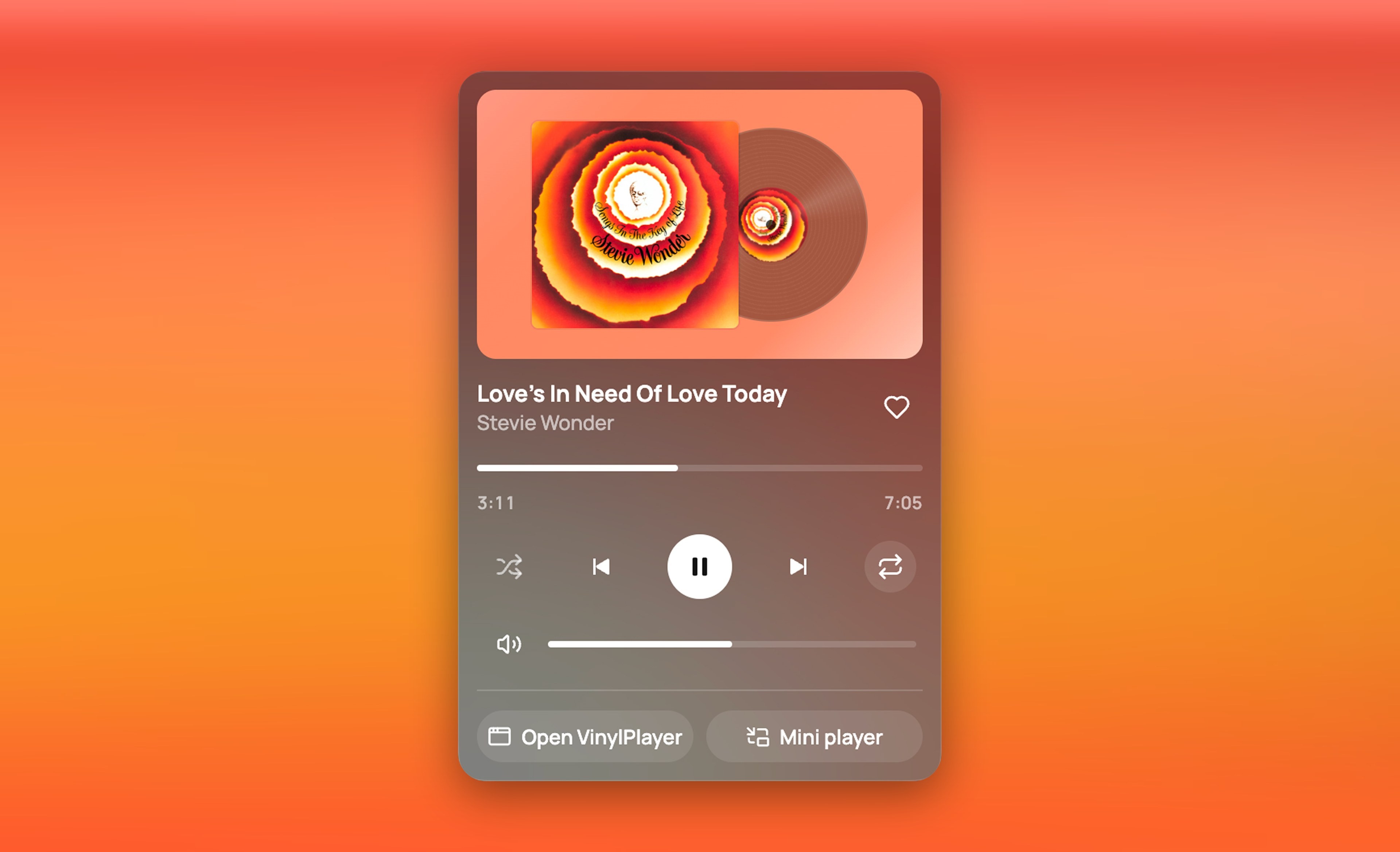
    A small window that stays above other apps, and a record in the Mac menu bar. The music stays within reach while you work on something else.

Getting feedback

Feedback, built into the app.

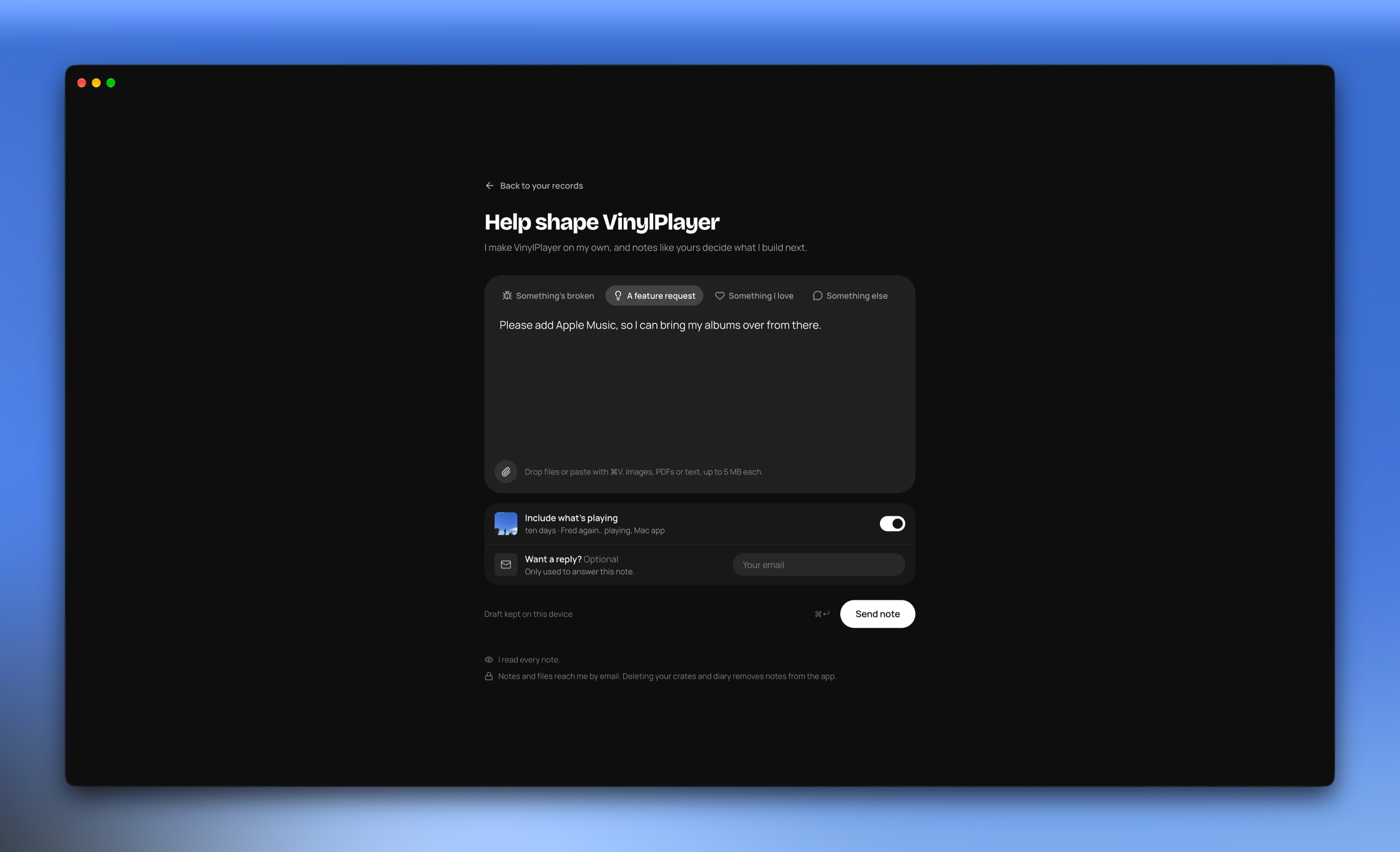
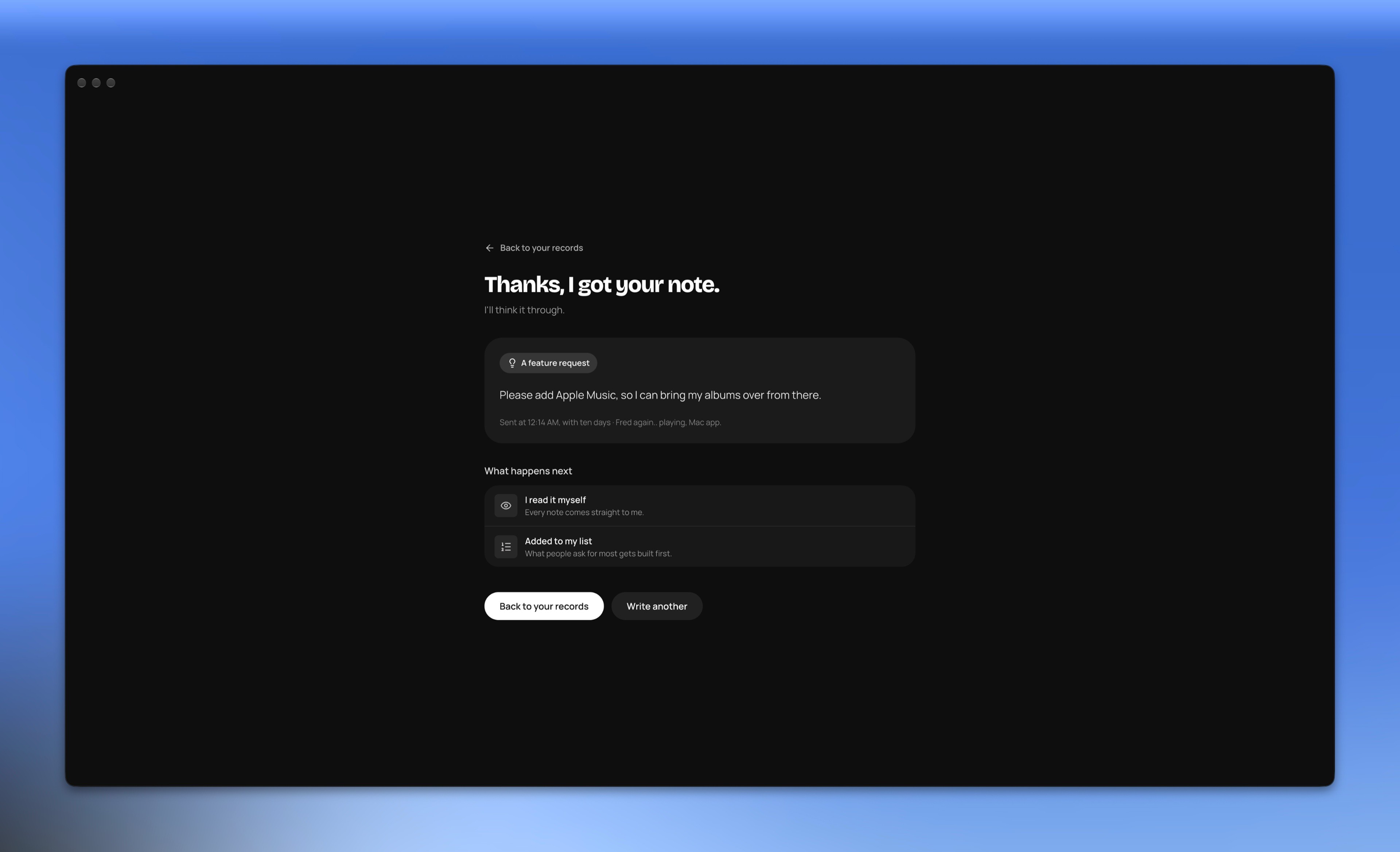
I make VinylPlayer alone, so I wanted anyone using it to be able to tell me what's broken or what they'd change. I haven't marketed the app yet, and no listener has written so far.

  • A clear reply, not a tracker.

    The first version showed a progress track after you sent a note. Nothing on it would ever move, so it was a small lie. Now it says what happens to that kind of note: I read it, and bugs come before new features.

  • A place to say what you love.

    Bug reports tell you what to fix. I also wanted to know what people would hate to lose, so one kind of note is called Something I love.

  • An invitation, not a report.

    A report form feels like paperwork. This page asks people to help shape the app, and says plainly that one person makes it.

  • A page inside the app.

    Feedback started as a small pop-up. Now it's a full page in the app. The music keeps playing, and Back returns to your records.

  • Four kinds of note, each with its own question.

    A blank box is hard to fill. "What happened?" gets the steps behind a bug, and "What should VinylPlayer do?" lets someone think bigger.

How I worked

From a Pinterest board to a player you can leave alone.

  1. 01

    Watching people play records

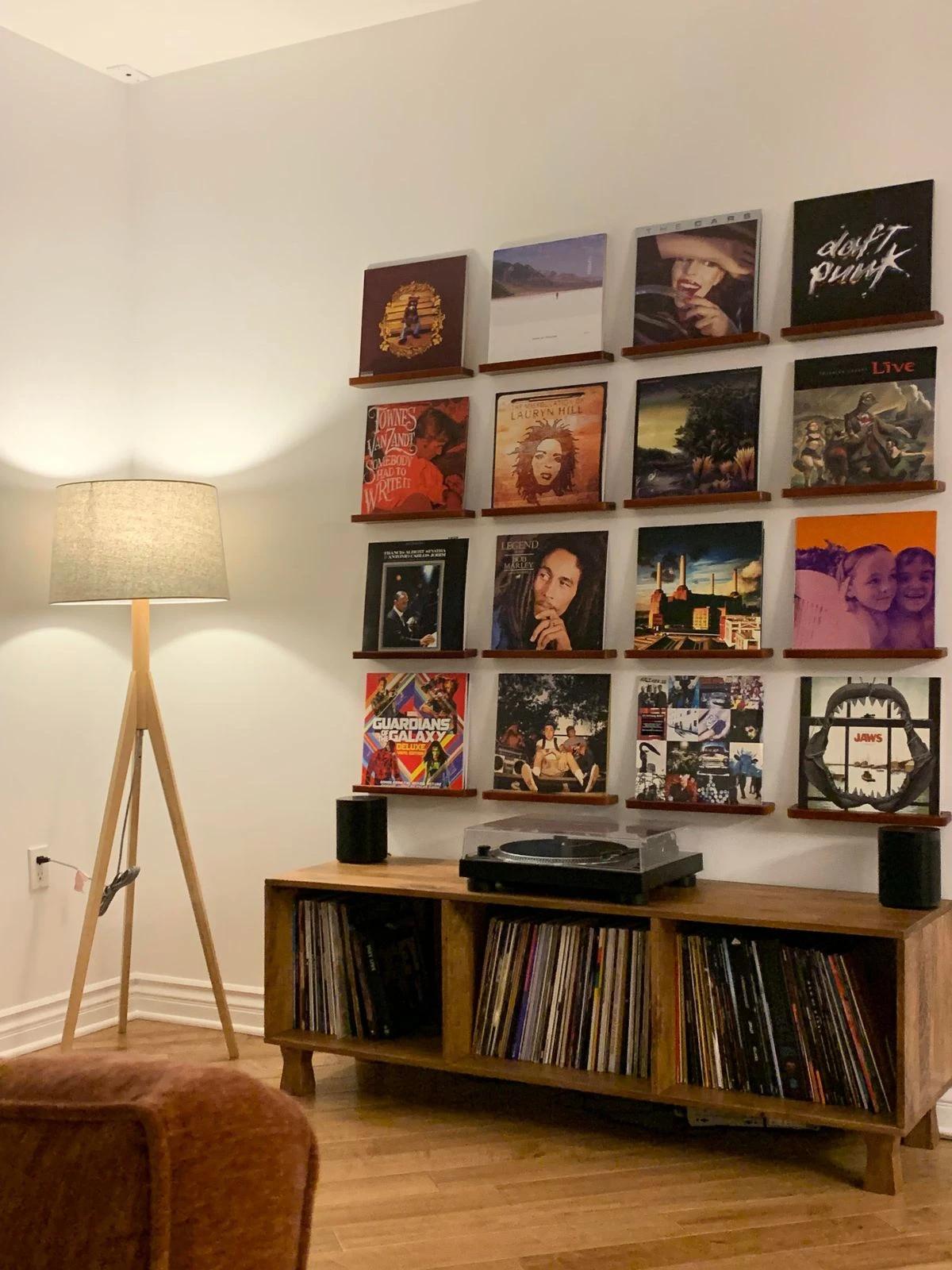
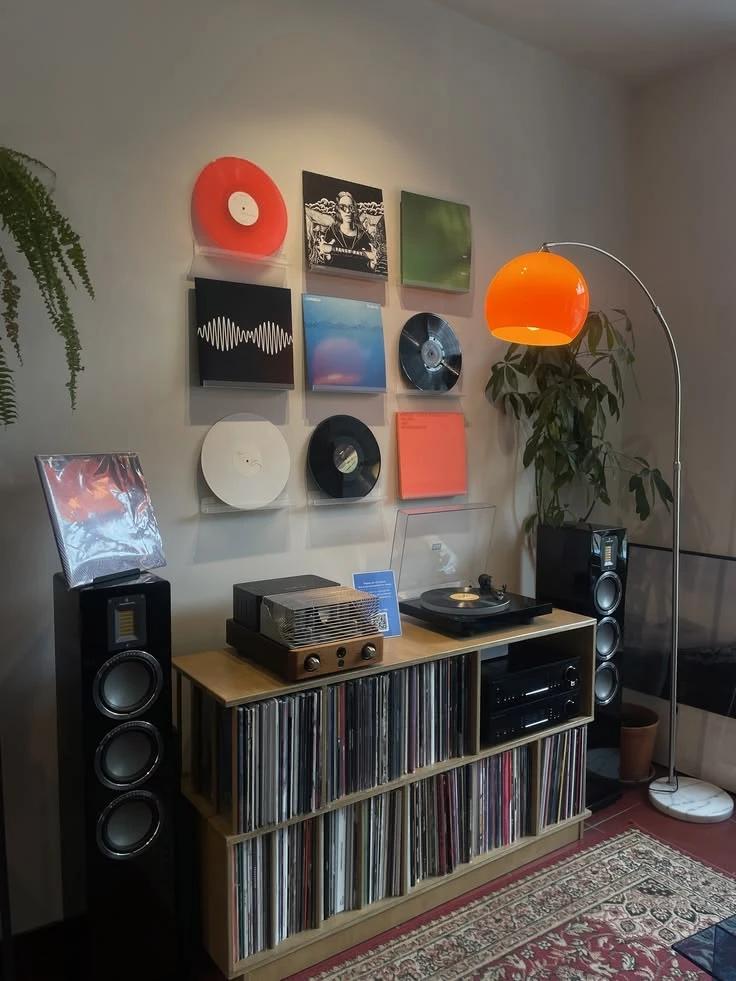
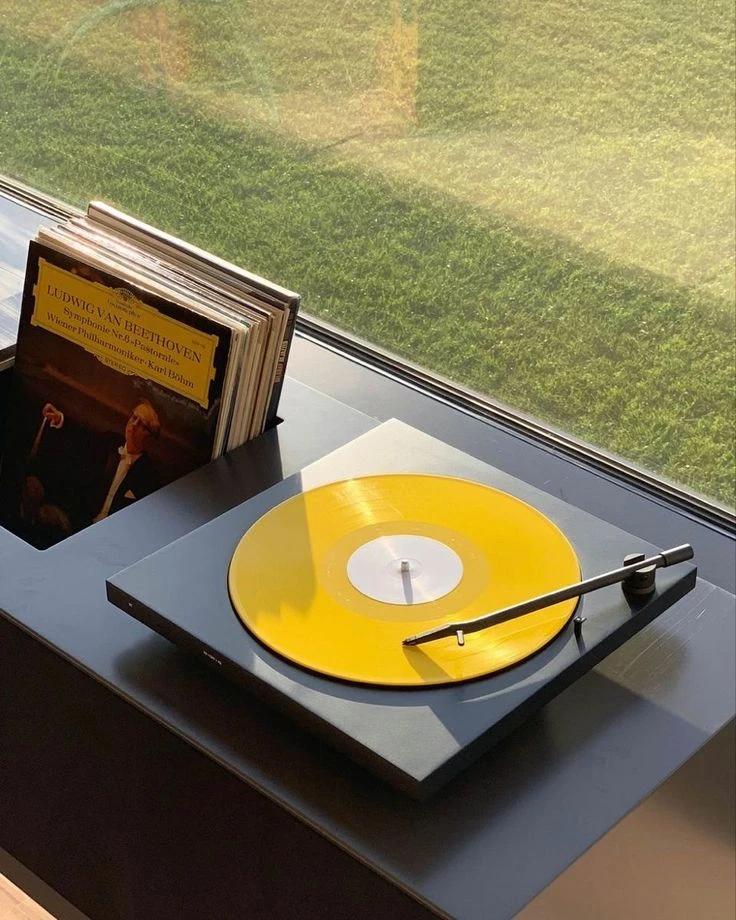
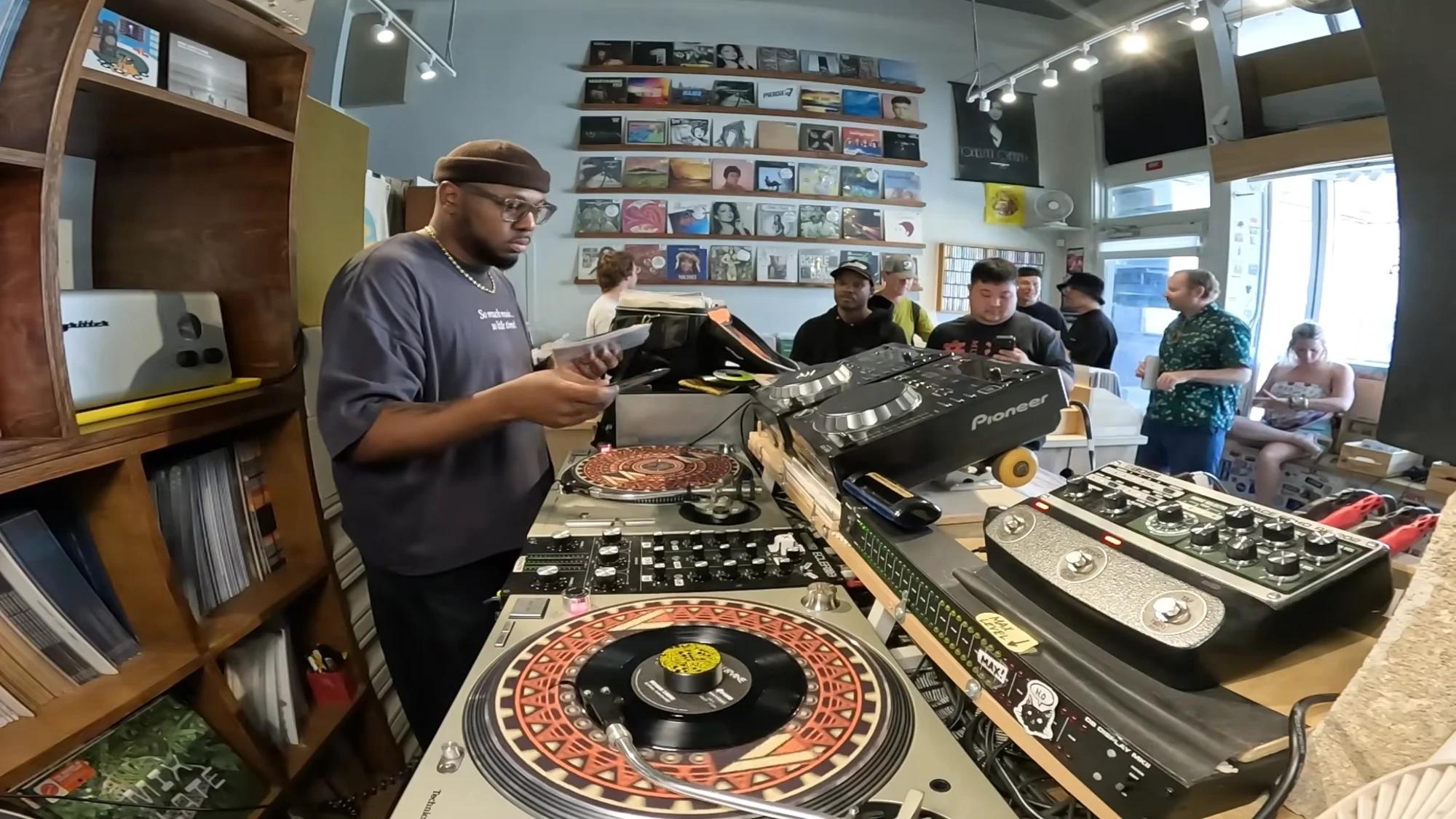
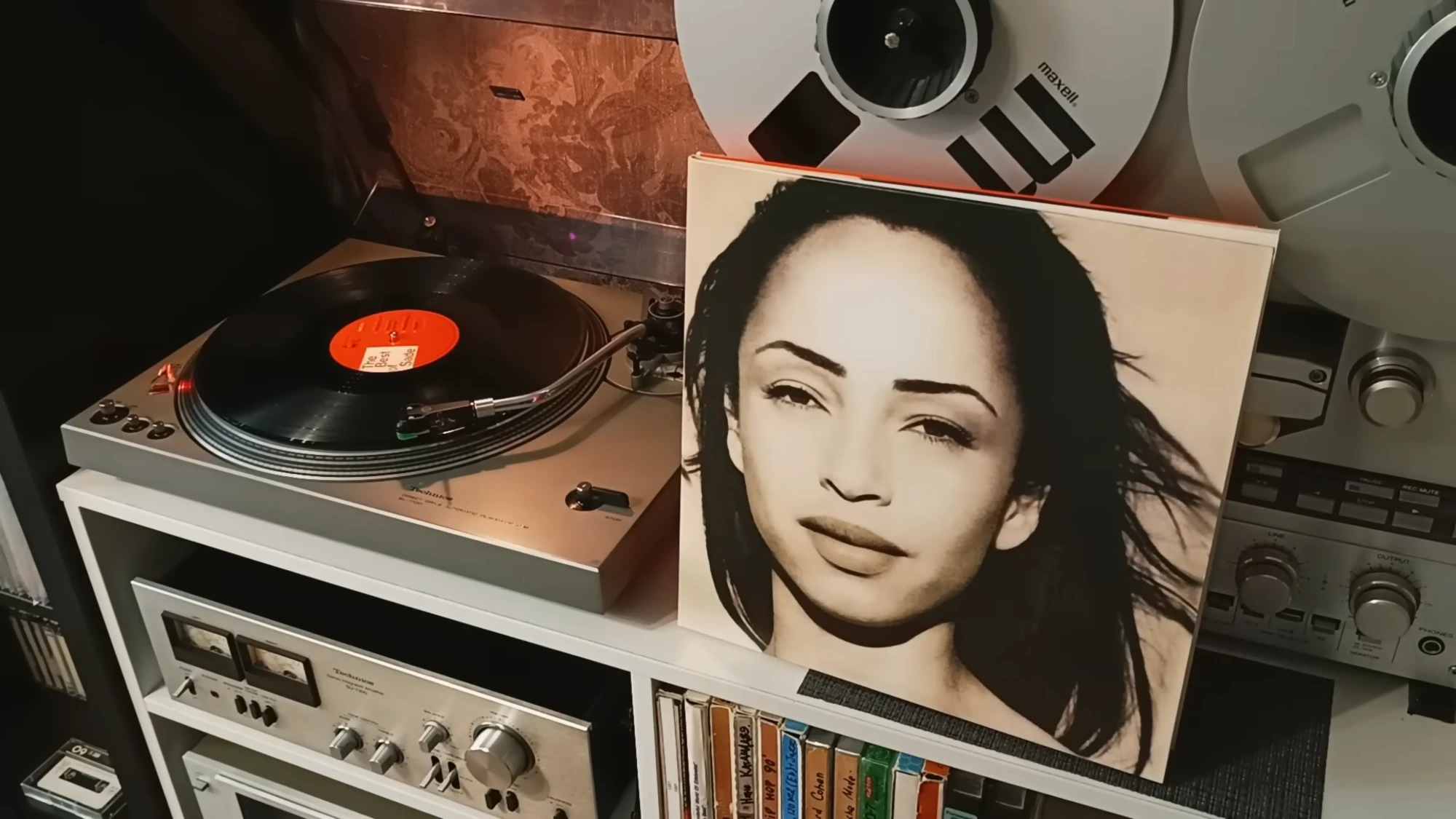
    I saved pictures of vinyl on Pinterest and kept seeing records in special colours. That became the colours you can pick. I watched DJs mix by hand (opens in a new tab) for hours, pulling the next record from a shelf. That became my shelf. And I watched long videos of a record just playing (opens in a new tab), Michael Jackson or Sade, with nobody touching it.

  2. 02

    Drawing it, with AI

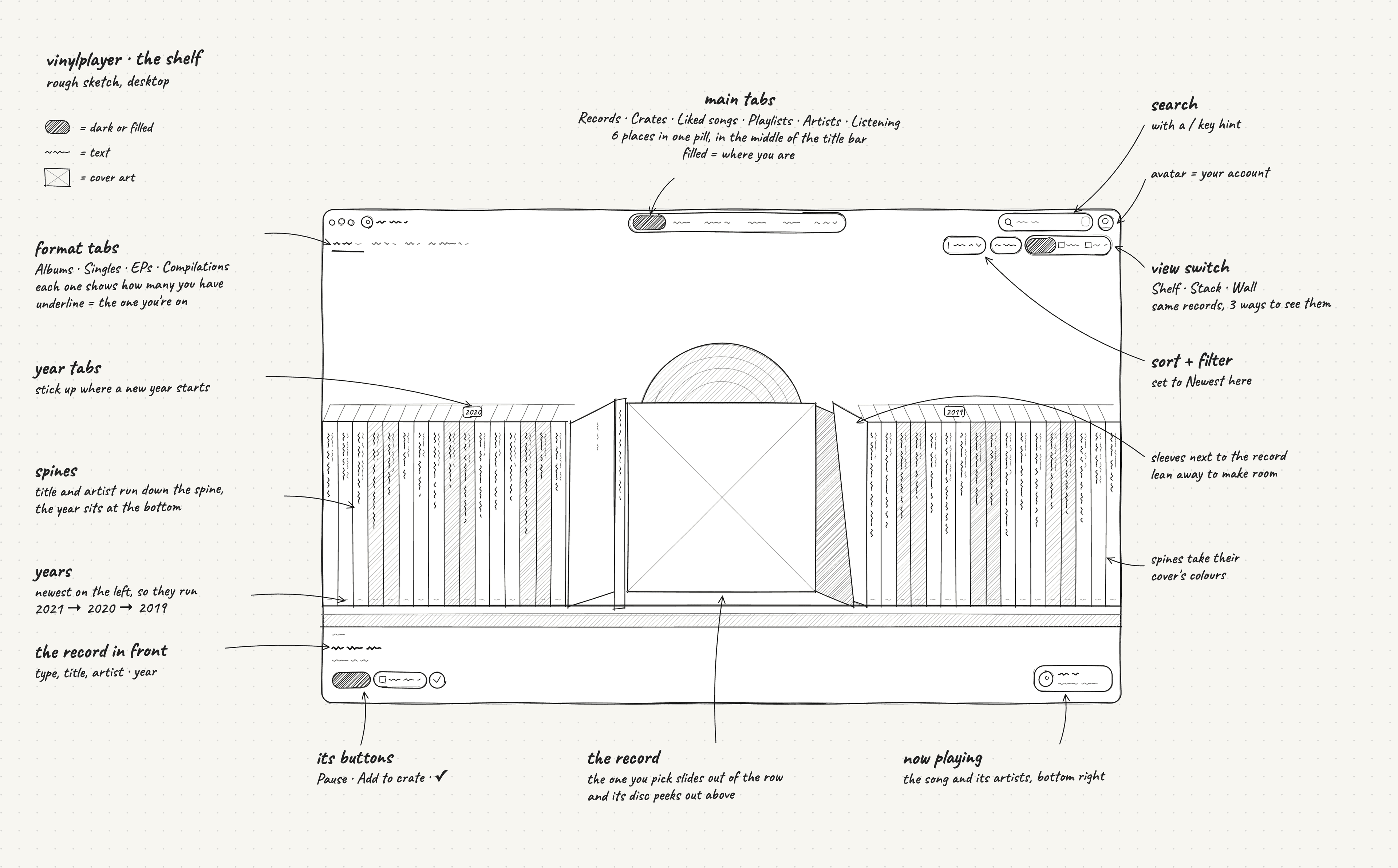
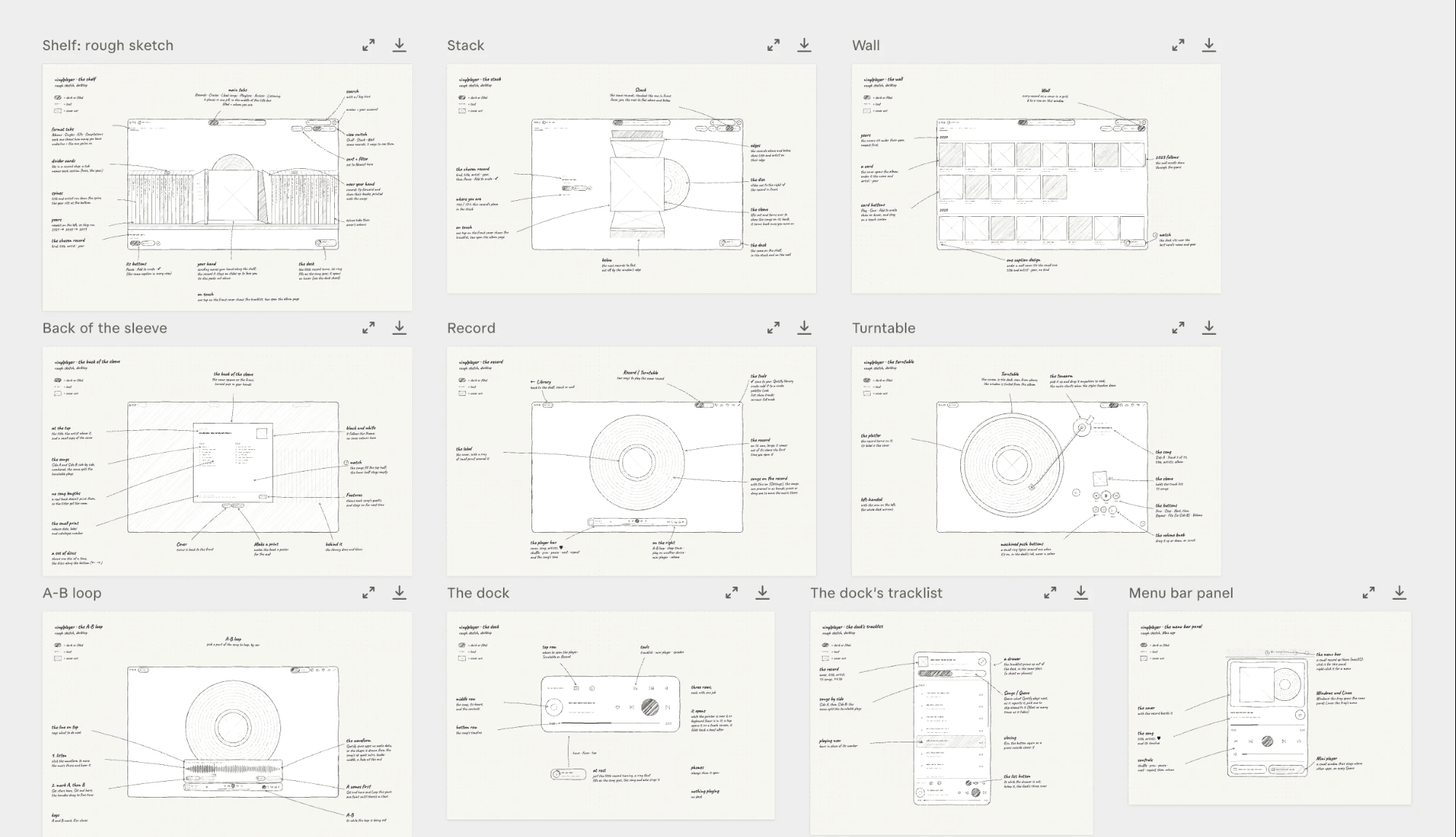
    I tried the interactions with Figma's AI first, before connecting any real music. When it didn't get what I meant, I drew that part on paper. Then I used a sketch skill I'm building for AI agents, a set of instructions they follow. It turns my drawing into a detailed sketch with notes on a canvas, so I could change the drawing, run it again and test an idea before designing a final screen.

My drawing, redrawn by my sketch skill
In the app
Part of my VinylPlayer board: the finished screens, redrawn as sketches
  1. 03

    Building it for myself

    I built a first version with AI, using my own Spotify account. It wasn't meant to go public. Once my own albums were on it, the ideas kept coming, so I listed features and asked friends which ones they'd want. When people saw the loop I'd made for replaying part of a song, they asked to use it, so I added it. I tested it on my own computer, playing music on it for hours.

  2. 04

    Cutting it back

    I built a card for sharing what you're playing, and planned a listening room like Spotify Jam. I dropped both, because neither helps when you've put an album on and left it playing. It's just a player: you connect, you play.

Results and lessons

Now I listen to the whole album, like a story.

That's why I built it. I can't say the same for anyone else yet. The app is public, but I haven't marketed it, so I have no numbers worth showing.

What I learned

  1. 01

    Know the limits before you design

    Spotify sets the rules for an app like this. I planned an equaliser before I learned that an app can't touch Spotify's audio.

  2. 02

    One version first

    I didn't try to get every device right at the start. I finished the web version first, then built the desktop apps.

  3. 03

    Test the rule on real records

    My first rule for where side B starts looked right on my own albums. Checked against real vinyl, it missed often, so I wrote a better one.

Limitations

  • Premium to play

    Playing needs Spotify Premium, and Spotify also requires Premium to make your own key. On a phone, the music plays on another Spotify device.

  • One service, for now

    It only plays from Spotify. If Spotify changes what apps can do, VinylPlayer has to change too.

  • No public desktop download yet

    I send the desktop apps directly to people I know. Public downloads need a developer account, which I don't have yet. For now updates come through GitHub, and on a Mac you replace the app to update.

What's next

  • Going to market

    This comes first. I'll plan how to market the app, make and publish videos about it and talk about it online, so more people find it.

  • More devices

    Apps for iPad, Android tablets and Android phones.

  • Apple Music

    A second service to play from. YouTube may follow.

Let's work together.

Two doors. Pick the one that fits you.

Ask AI about my work

Hi, I'm Oussama's AI assistant.

Ask me about his work, skills or availability. I only answer from his CV and notes, and I'll tell you when I don't know.

Try asking

It only knows what I wrote. For the rest, ask me.

Portrait of Oussama

Let's talk

Tell me what you need. I reply within 24 hours.

I'm hiring

Hiring a product designer who can also build?

I have a project

Need an app, website or MVP, designed and built?